
SaaS Sprawl: When Your Tool Stack Becomes the Bottleneck
By Derek Coffey · August 29, 2026 · Updated October 6, 2026
SaaS sprawl is what happens when a business ends up running on a dozen separate subscriptions that were each bought to fix one problem and were never asked to work together. In a small business the cost lands twice: on the card statement, which is annoying, and in the hours your people spend moving data between tools by hand, which is expensive. The second number is almost always larger, and almost nobody has measured it.
What is SaaS sprawl in a small business?
SaaS sprawl is the accumulation of overlapping software subscriptions with no shared record between them, so the connecting work falls to people. Every tool arrived for a good reason: the CRM because leads were falling through, the e-signature tool because contracts got lost, the payments app because accounting needed it. The group chats where the real answers live were free.
Nobody decides to run a business on 12 tools: you arrive there one reasonable purchase at a time.
There is a fast test: pick one record your business runs on, a customer, a job, a contract, and count the places it lives. If it lives in more than one, somebody is keeping the copies in sync, and that somebody is on payroll. The problem is not the number of tools, it is the number of places one record lives.
The compounding tax of renting your entire stack
Renting one tool is cheap. Renting your entire stack is a tax that compounds. Each line looks small on its own, which is why nobody adds them up.
Per-seat pricing is the quiet killer. Renting turns headcount into a recurring software bill: every hire raises the price of every per-seat tool at once, before that person has produced anything. Growth is what you are trying to do, and the stack charges you for it.
Then there is the risk nobody prices. When you rent, you are one decision away from a crisis you did not make: a vendor can raise the price, sunset the plan you depend on, get acquired and gutted, or change terms with 30 days notice. Your options are to pay or to migrate a business you built inside their product, which is the whole question in should you own your software or rent it.
None of this argues against subscriptions, only against renting without counting. Price a per-seat tool at the headcount you expect three years from now, not the one you have today.
Data silos: when your tools stop talking, your people start re-keying
Fragmented stacks do not fail loudly. They fail as re-keying, and re-keying never shows up on an invoice.
One pet retail franchise ran 16 stores on disconnected tools plus manual spreadsheets. Puppy records arrived as breeder PDFs and were typed in by hand, store by store, at a cost of roughly 50 staff hours a week across the group. That is more than a full-time person whose whole job is retyping information the business already had, in a file, a foot away.
The small symptoms told the same story. Salespeople went home at night and did their bonus math on a phone calculator, because the number they needed was buried in a report nobody surfaced. Store managers opened e-signature envelopes one at a time to find the missing countersignatures. None of that is a training problem: it is what people do when the record they need sits in a system that will not show it to them.
The integration layer between your tools is not software, it is a person, and she is doing it by hand.
The glue is usually a spreadsheet, and it keeps growing until it quietly becomes the system of record, which is the point when spreadsheets stop scaling and start costing you.
The stack audit: list every login and what it actually does
A stack audit takes an afternoon and is mostly clerical. The point is not to cancel things, it is to find where the same record lives twice.
- List every login. Work from the card statement, not from memory. Include the free tools, the shared drive, and the group chats: if decisions get made there, it is part of the stack.
- Name the record each tool owns. Customer, job, employee, contract, invoice. Write which single tool is the truth for each, and wherever two claim the same record, you have found a silo.
- Time the handoffs. Where data crosses between tools, ask who moves it, how, and how long it takes. These are the steps in nobody's job description.
- Multiply the minutes. Minutes per handoff, times how often it runs, times how many people run it. Three minutes a day across 70 people is not three minutes.
- Mark each tool keep, consolidate, or cut. Anything with no owner and no record of its own is already a cut.
The audit lands in the same place every time: the subscriptions are not the expensive part, the handoffs are. That is the good news, because handoffs get fixed without firing a vendor. Name who owns each handoff and improve the process before you buy anything to automate it.
Outgrowing a tool but not big enough for the next one
Every company we map hits this moment, and one operations lead named it exactly: you are always in the space where you start to outgrow something, but you are not quite big enough for the next thing. So the decision sits. His sat for a year: no time data, no ROI case, no signature.
That is the real reason stacks sprawl. Not indecision, not lock-in. Missing arithmetic.
Owners ask us the same question constantly: when should we move off this software, what is the trigger, and how do we justify it? Decide it before you need it. Set the threshold now, in hours of manual handling per week or in a count of workarounds, and switching stops being a judgment call.
The math is the same as the audit. Shave two, three, four minutes off a process that 70 people touch and a tool pays for itself in 90 days instead of a year. That number is also how you know when to stop using off-the-shelf software you have genuinely outgrown.
Consolidate, integrate, or replace: the decision order
There are only three moves, and they run cheapest to most expensive.
| Move | What it means | Reach for it when |
|---|---|---|
| Consolidate | Cancel a tool, move its job into one you keep | Two tools claim the same record |
| Integrate | Wire two systems so data crosses once, automatically | Both are load-bearing, neither is leaving |
| Replace | Move the records into one system you control | Handoffs cost more than the software |
Work them in that order. Most companies jump straight to replace because it feels decisive, then pay to rebuild the same mess in a nicer container. Consolidation is free, and it usually removes two or three logins on the first pass.
Replace is the real decision, and it runs on one rule: rent the commodity, own the core. Payroll, email, and accounting are commodities. The workflow no vendor built for you is the core, and building custom software you could have bought is ego, not strategy, so read what custom software actually costs first.
One caution before wiring anything together. Software amplifies whatever it sits on: point it at a clean process and it multiplies clarity, point it at chaos and it multiplies chaos. Write down the process that crosses between two tools before you automate the crossing, which is why documentation comes before automation.
What would one system per record change?
The goal is not one tool. It is one place per record, so every step can see the step before it.
Picture the 16-store pet franchise running that way. The puppy record is entered once, from the breeder file, and the store, the kennel, the contract, and the invoice all read the same row. The salesperson sees her own numbers on her phone instead of doing the math at home. None of that required fewer vendors, only one record with one home.
We run our own operation this way, on one app and one database, and we map and fix a client's process before building anything, because a tool only multiplies what was already there. The longer version, minus the EOS confusion, is what a business operating system actually is.
Do one thing this week. Open the card statement, list every software charge, and write beside each one the record it owns. Where a record appears twice, you have found the seam your people are stitching by hand, and that is where the hours are.
Frequently Asked Questions
What is SaaS sprawl?
SaaS sprawl is what happens when a company accumulates overlapping software subscriptions that hold the same records and do not talk to each other. It costs money twice: the subscriptions themselves, and the manual work of moving data between them. The second cost is the bigger and more invisible one, because re-keying never appears on an invoice.
How many software tools does a small business actually need?
There is no correct number, and chasing one is a distraction. The useful rule is one system per record: one place that owns customers, one that owns jobs, one that owns employees. A company can run 15 tools with no sprawl if each owns something different, and 5 tools with severe sprawl if three of them think they own the customer.
How do you audit your software stack?
Start from the card statement rather than memory, and list every subscription including the free tools and the accounts people use for work. Beside each, write the record it owns and who uses it. Then time every handoff where a person moves data between tools, and multiply those minutes by frequency and headcount. The handoff total, not the subscription total, tells you what to do.
When should you consolidate tools into one system?
Consolidate when two tools claim the same record, because that is where the re-keying and the disagreeing numbers come from. Decide the trigger in advance as a number, hours of manual handling per week or a count of workarounds, so the call does not sit in limbo for a year. If the handoffs cost more per month than the software does, you passed the trigger already.
Keep reading
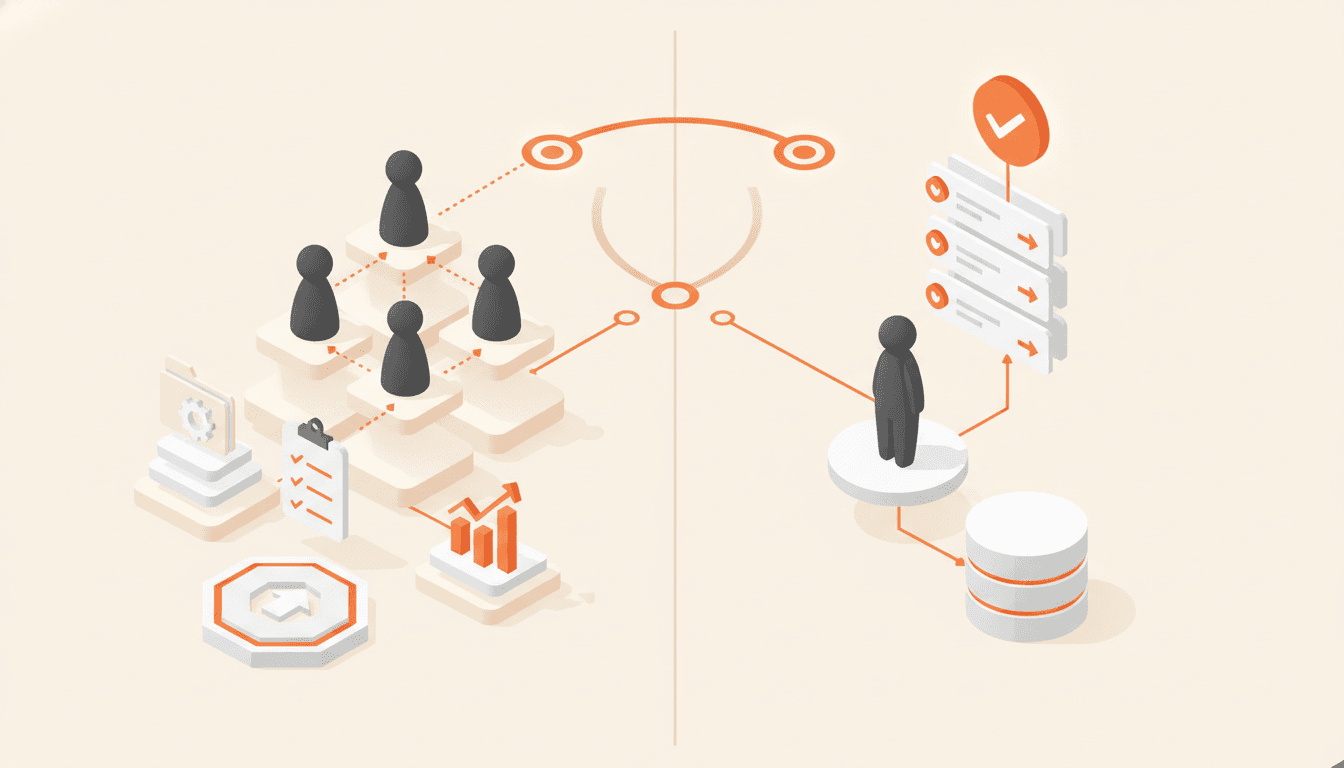
What Is a Business Operating System? (Not the EOS Kind)
Two different things share the name. One is a management framework like EOS, and the other is one app, on one database, where every step can see the step before it.

A Custom App for Your Business Is Finally Realistic
AI has dropped the cost and time of building custom business apps so far that a small company can now afford to build one around its single most painful workflow, instead of renting a stack of half-fitting subscriptions.

Off-the-Shelf Software: When to Stop Using It
Off-the-shelf software is right for standard problems. You have outgrown it once your team is quietly rebuilding the real work in spreadsheets and workarounds, and the fix is to map your process before you buy a bigger plan.
How much of your business runs on you?
Twelve questions, about three minutes. You get a score across six areas, the one carrying the most risk, and the first thing to fix.