
Process Mapping & Documentation
How to Streamline a Process: Turn a 15-Minute Task into 5
By Derek Coffey · August 29, 2026 · Updated October 6, 2026
Here is how to streamline a process without buying anything first: time one real run of it, step by step, then sort every step into keep, kill, combine, or automate. Start with the steps that exist only to undo damage an earlier step caused, because nobody defends those once they are visible. Then multiply the minutes saved by how often the process runs and how many people run it. That number turns a five-minute improvement into a decision somebody will fund.
How to streamline a process: start with a stopwatch, not an app
Streamlining a process means removing steps and minutes from it without changing what the customer gets. An owner asked us the practical version on a call, almost word for word: how do we turn a 15-minute thing into a five-minute thing?
He was not asking for software. He had software. He was asking which of those fifteen minutes were real work and which were the tax his systems charged for existing.
Most streamlining projects skip that question and buy the tool, which is how you end up paying a subscription to run the same wasted motion slightly faster.
The operations lead at that same business named the real blocker without meaning to: with no time data there was no ROI case, so the tool decision sat in limbo for a year.
Until every manual step has a time attached to it, leadership will keep treating a structural problem as a people problem.
Which process to time first is rarely the loudest one. The 80/20 rule for process documentation is the filter: pick what runs most often, touches the most people, and hurts most when it breaks.
Step 1: Time one real run, step by step
Do not ask how long the process takes. Watch it. Put the person who runs it on a screen share, have them do the real work while narrating, and write every step down with three things beside it: minutes, owner, and tool.
Estimates are always wrong in the same direction. When we sat with an exiting bookkeeper and asked her to walk through the weekly commission run, describing it took 85 minutes.
Merge two reports. Restore the job codes the export had destroyed. Screenshot chat threads to find the helper on each job, then hunt receipts through a hardware store login she did not have.
The owner watched his own process for the first time in years and said quietly that this was a three-day job. Every week.
Time the run you can watch, not the run people describe.
One run is enough to start. If the work varies, time the most common version and note the exceptions.
Step 2: Sort every step into keep, kill, combine, or automate
An outside board advisor we work alongside runs this sort with sticky notes: one item per sticky, then keep, kill, combine. We add a fourth bucket and put it last on purpose.
- Keep what the customer pays for. In the trades this is wrench time: the part of the fifteen minutes a customer would recognize as the job.
- Kill what only exists out of habit. Double entry, a status update nobody reads, a form feeding a spreadsheet nobody opens. Ask who consumes the output, and if the answer takes more than five seconds, you found one.
- Combine steps that share a tool or a person. Death by a thousand clicks is usually one task split across four screens and two people. Collapsing it saves the switching, not just the clicking.
- Automate what survives. Only after the first three passes, and only where manual effort is the reason steps get skipped.
Automation sits last because every step you automate becomes a step you own forever. Automate one you should have killed and you have paid to preserve it. That is the whole case for fixing the process before you automate it.
Step 3: Kill the steps that only undo other steps
The richest waste in most small businesses is not slow work. It is repair work.
At one field services company, exporting a report to a spreadsheet stripped the unique job codes out of every record. So a second report, a manual merge, and a lookup formula existed purely to put back what the first export broke. Not one of those steps served a customer. All of them were in the process.
The same company's CRM regenerated a record's ID the moment a lead became a job, so the operations lead invented his own match key just to follow a customer from first call to finished work. It broke about every six weeks, and each time he re-audited six weeks of numbers he no longer trusted.
If a step exists to repair the output of an earlier step, the earlier step is the problem.
Undo steps hide well because they look like competence. The workaround is clever, so everyone admires the fix instead of removing the cause.
Laying the work out end to end is what makes them impossible to miss, which is what value stream mapping for a small business is for: every step on the wall, with a time on it.
Step 4: Move the checks to where the errors start
An owner took over payables himself for a few weeks after a key employee left. He found 500 to 800 dollars leaking every week: skipped audits, missed part deductions, straight overpayments. His own math came to as much as 10,000 dollars a month, not from theft, but from a process nobody followed.
The audit step existed. It sat at the end, after the money had moved, where it was expensive to run and easy to skip.
An operations manager there named the mechanism: manual work is where steps get forgotten. His owner asked the blunter version. How do we get people to stop having to remember to follow a process?
Not with a reminder. You move the check to the moment the data is created. In that same business, office staff clocked in by geofence with no manual effort, while field crews texted a selfie in front of a house number for somebody downstream to read and type into a spreadsheet.
A check at the point of entry costs seconds. The same check downstream costs a reconciliation.
Handoffs deserve the same treatment, because work rarely dies inside a department. It dies crossing between two, which is what swimlane diagrams expose.
Step 5: Multiply the minutes saved by frequency and headcount
Three minutes sounds like nothing. That is exactly why streamlining proposals die in the meeting where they are made.
Here is the arithmetic that changes the conversation. Use your own numbers.
| Scenario | Saved per run | Runs a week | People | Hours a year |
|---|---|---|---|---|
| One admin, one task | 3 min | 5 | 1 | 13 |
| Same fix, whole field team | 3 min | 5 | 70 | 910 |
| Daily 15-minute task, four sites | 15 min | 20 | 4 | 1,040 |
The middle row is the whole point. The identical change is not worth a meeting in one seat and is worth funding across a company, and the only variable that moved was reach.
The rule we use with clients: shave two, three, or four minutes off every process, multiply by 70 people, and a year-long payback becomes 90 days.
Reach beats depth. One franchise group was re-keying records out of supplier PDFs at roughly 50 staff hours a week across 16 stores, a task nobody in a single store called a problem.
Run this math before you pick a fix, not after. It tells you which item on the kill list to touch first, and it is what makes repeatable systems that free up your time pay for themselves instead of just feeling tidier.
When not to streamline: broken is not slow
Some processes do not need to be faster. They need to exist first.
If three people run the process three different ways, you do not have a slow process. You have three processes, and averaging their timings describes nobody. In one nonprofit's mapping sessions, colleagues in the same department learned mid-conversation that they had each been running the same process differently and had never known it.
If the output is wrong, speed only makes it wrong sooner. Software amplifies whatever it sits on, so pointing automation at a broken process buys you the wrong answer faster.
And if the process lives entirely in one person's head, there is nothing to streamline yet. Writing it down comes first, which is the work in turning a messy workflow into a documented system.
Standardize, then document, then streamline. In that order.
Recording the people who actually run these processes, then handing back the version that takes five minutes instead of fifteen, is what The Systems Effect does for a living. Pick the task your team complains about most, sit with the person who runs it, and time one real run this week. You will have your kill list before the hour is over.
Frequently Asked Questions
How do you streamline a business process?
Time one real run on a screen share, writing minutes, owner, and tool beside every step. Sort those steps into keep, kill, combine, or automate: kill first, combine second, automate only what survives. Then multiply the minutes saved by how often the process runs and how many people run it, because that number is what justifies any spend.
What is the fastest way to find waste in a process?
Look for steps that exist to undo other steps. An export that strips data so a second report has to restore it, a manual merge, a re-keyed record: none of it serves a customer, and nobody defends it once it is on the wall. They are usually the largest single block of minutes in the process, and removing them asks nobody to work faster.
Should you automate before you streamline?
No. Automating before you simplify locks the waste in and makes it more expensive to remove later, because now the waste has a configuration, a vendor, and an owner. Kill and combine first, then automate what is left, and only where manual effort is the reason steps get skipped.
How do you measure process improvement?
Measure in minutes per run, multiplied by runs per week and by the number of people who run it. Take the baseline from a timed run rather than an estimate, then re-time the same process with the same person after the change. Report the annual hours returned rather than a percentage, because hours convert into capacity in a way percentages do not.
Keep reading
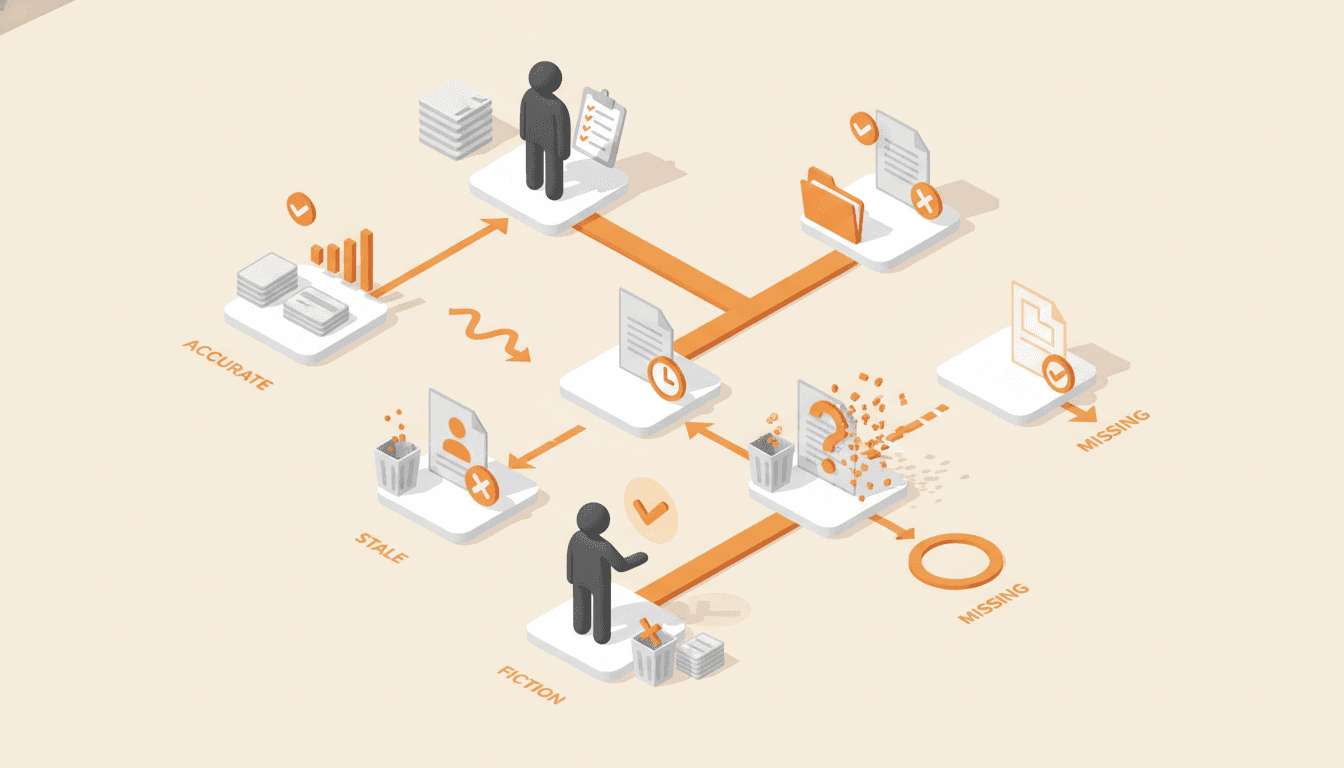
The Process Audit Checklist: Find Out Which Documents Are Fiction
Most companies have documentation, and far fewer have documentation that matches how the work gets done. This audit sorts every process into accurate, stale, fiction, or missing, and tells you what to delete.
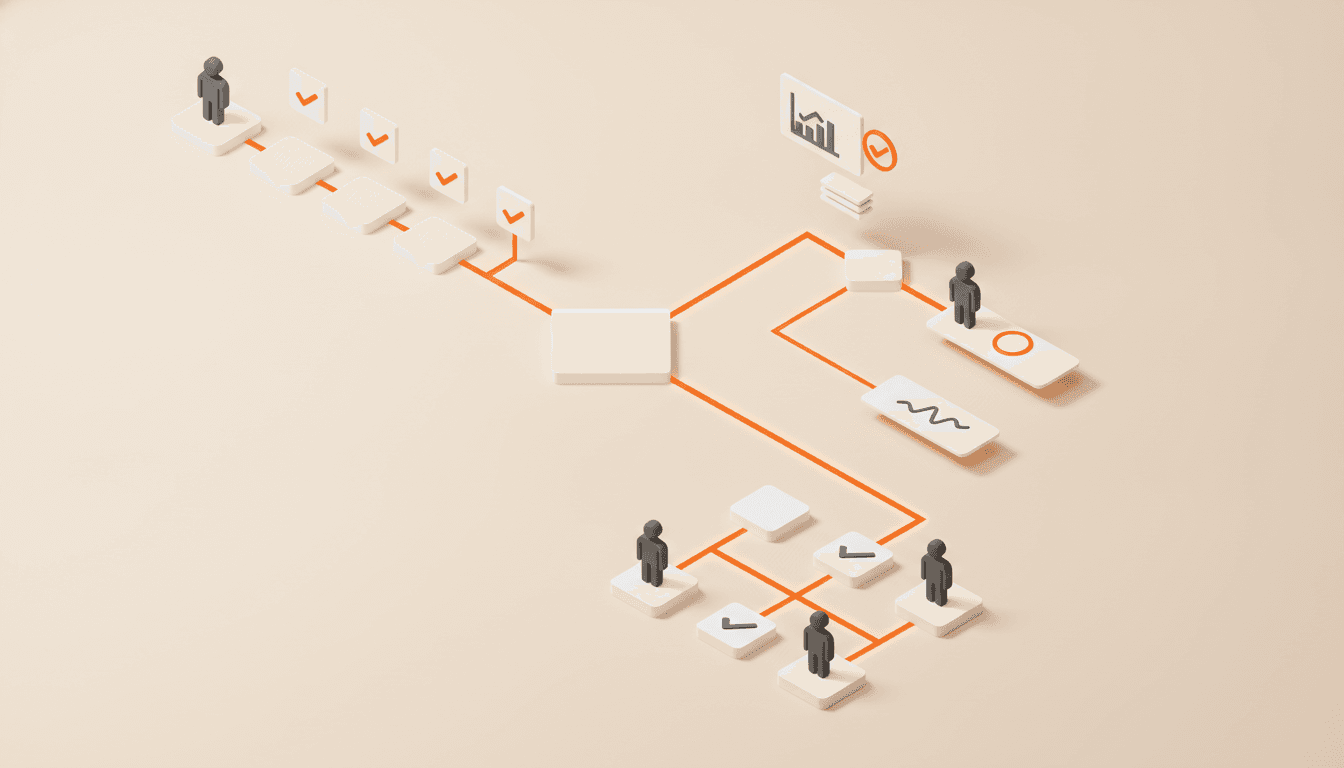
Should a Process Map Include Exceptions? The Frequency Test
Most process maps drown in branches that almost never fire. The frequency test decides which exceptions earn a diamond, which become a one-line note, and which are really a second process.

Process Map Symbols: The Small Set You Actually Need
Your mapping tool will offer you dozens of shapes, and almost every business process map needs six. Here is what each one means, and which extras quietly make your map unreadable.
Get one role out of one person's head in 14 days.
The interview guide, knowledge map and SOP templates we use on paid engagements. Free as Google Docs and Sheets.