
Process Mapping & Documentation
Swimlane Diagrams: How to Map Handoffs Between Departments
By Derek Coffey · August 29, 2026
A swimlane diagram is a process map split into lanes, one per role or system, with every step drawn in the lane of whoever performs it. The value of swimlane diagram process mapping is not the boxes. It is the arrows crossing between lanes, because those crossings are the handoffs, and handoffs are where work stalls, duplicates, or quietly disappears.
What is a swimlane diagram in process mapping?
A swimlane diagram is a flowchart with an owner attached to every step. Lanes run across the page, one per role or system, and any arrow crossing a lane boundary is a handoff. It is also called a cross functional process map, which is the better name.
Fix the conventions before anyone draws a box: one shape for a step, one for a decision, one color per lane. We keep a house shape and color library in Lucidchart for exactly this reason, because maps get argued over when two people use the same shape differently.
A swimlane captures who does what, where the handoffs happen, and where knowledge sits in a single pair of hands. For when to map at all, process mapping for small business covers the ground around this one.
When a flat flowchart is not enough
A flat flowchart is plenty when one team owns the work end to end. The moment two departments touch the same job, it hides the only thing worth seeing.
Take an order in a staffing branch. On a flat chart it is two boxes: order received, order filled. On a swimlane it is an order crossing out of sales into dispatch at 4:45 in the morning with nothing attached. In one branch, sales and operations never met again after onboarding, so reps promised fills willy-nilly and never saw the dispatch crew absorbing the promise.
| Flat flowchart | Swimlane diagram | Value stream map | |
|---|---|---|---|
| Shows | Step order | Step order plus owner | Step order plus time |
| Best for | One team, one tool | Work crossing departments | Delay and waste |
| Hides | Who owns each step | Wait between steps | Judgment calls |
| Typical effort | An hour | A working session | Several days |
The swimlane column is the only one that answers "who dropped it." When work is slow rather than lost, value stream mapping for a small business is the better instrument, because it puts a clock on the waiting.
Set up the lanes: people and systems both get one
A lane is a role, not a person, and definitely not a box from the org chart.
One cleaning company COO asked us straight out whether we needed her org chart, because she had been building documentation from it and the work was not built that way. In her 55-person company the office was one bucket labeled anyone who answers the phone, with scheduler, dispatcher, sales, finance and HR blurred into whoever picked up.
Build the lane list from the work instead, in three passes.
- List the hands, not the titles. Walk the process from trigger to last step and write down everyone who touches it, described by what they do.
- Give every system a lane. The CRM, the payment app, the group chat, the spreadsheet somebody rebuilt one weekend and never retired. Software drops work exactly like people do.
- Collapse the lanes with no judgment in them. A lane holding one step and no decision belongs in the lane next to it, with the name on the box.
A lane is not a job title but a pair of hands that can drop the work.
The systems lanes are the ones owners resist and then find most useful. At one field services company, card payments hit the CRM the second a tech closed a job, while cash and check sat in a pocket until somebody chased the deposit. That is not a discipline problem. It is a missing arrow back into the CRM lane.
Give a lane to anything that can hold the work overnight, software included.
Map the handoffs, because that is where work dies
Once the lanes exist, stop reading the boxes and start reading the crossings.
One field services owner called routing his number one bottleneck and put the cost of getting it wrong at roughly 30 percent of revenue: jobs in the wrong slot, cancellations nobody passed along, the wrong tech at the wrong job. None of that happens inside a lane. Every one of them happens at a crossing.
His dispatcher called the work blind Tetris, routing two days ahead while fielding pings and tracking targets on a whiteboard. The company ran on more than 20 group chat threads as its source of truth, and the bookkeeper reprocessed hundreds of messages to find who ran a job and whether it closed.
A message posted in a group chat is not a handoff, only a hope that the right person is reading.
Nobody there was bad at their job. The work was thrown across gaps with no catcher named on either side. Seen that way, turning a messy workflow into a documented system becomes a short list of specific repairs.
Why is finance in the process at this point?
Because somebody put it there years ago and nobody has looked since.
That is close to a verbatim client question. Mid-session, an owner watching his own process asked why finance came in at that point rather than an earlier one, and nobody could answer. Swimlanes make that question askable, and the answer is usually the cheapest fix on the map.
One owner took over payables for a few weeks after a key person left and found 500 to 800 dollars leaking every week through skipped audits, missed part deductions and overpayments. By his own math, up to 10,000 dollars a month, from a check sitting at the tail end of a lane where nobody had time for it.
Put each step in the earliest lane that already has everything it needs to finish.
Sequencing questions also flush out duplicate work. During one nonprofit's mapping wave, people in the same department learned mid-session that they had each been running the same process a different way and had never known it. The lanes had never been drawn beside each other, which is why running a mapping session your team does not dread matters more than the diagram.
Turn every crossing into a named handoff rule
A crossing nobody wrote down is a handoff that depends on somebody remembering. For each one, name three things.
- Name what moves. The object, precisely: a signed contract, a job marked complete, a lead with a phone number and a source attached.
- Name who catches. One role, never a department. Operations cannot catch anything, but a person in the operations lane can.
- Name the signal and the timeout. How the catcher learns the thing exists, and what happens when it never arrives.
The timeout is the part everybody skips and the part that pays. At one field services company, jobs never flipped to done simply sat, and the techs who worked them went unpaid until somebody noticed. No rule said an open job older than 48 hours goes back to the dispatcher.
A client once asked us flat out why people needed the map at all. Fair question: a map carrying its own handoff rules survives the meeting, and a map that is only shapes becomes wall art. Those rules are the first thing you keep when you document the process step by step.
Common swimlane mistakes
The failures are consistent enough that we watch for them by name.
Mapping the process as it should run. The standing instruction we give every subject is to say no, it does not look like that, I am actually doing this. The version performed for a visitor is tidier than the one they run on a Tuesday.
Too many lanes. Past roughly seven, in our experience, a swimlane stops being readable and starts being a poster. Map the business at low zoom first, then one department at a time, starting where most of the revenue is.
No time on the steps. Minutes per step, times frequency, times headcount, and the case for any change writes itself. One ops leader put it plainly: until every manual step was on the wall with a time attached, leadership kept treating a structural problem as a people problem.
Building it alone inside the software. The best process mapping software for a small business matters far less than who is watching while it gets drawn. At The Systems Effect we run these sessions live with two people, one driving the map and one probing, while the person who does the work narrates.
Pick the one process this week where two departments touch the same job. Draw four lanes on paper, mark every arrow that crosses a line, and write the rule for the crossing that burned you most recently. That is a morning of work.
Frequently Asked Questions
What is a swimlane diagram used for?
A swimlane diagram shows who performs each step of a process and where work passes between people, teams, or systems. It is the right tool whenever a process crosses departments, because failures in cross functional work rarely sit inside one team's steps. They sit at the handoffs.
How is a swimlane diagram different from a flowchart?
A flowchart shows the order of steps. A swimlane diagram shows that order plus the owner of each step, by placing every box in the lane of whoever performs it. A flowchart tells you a process is slow. A swimlane tells you which crossing it is slow at.
Should software systems get their own swimlane?
Yes. Any system that holds work or hands work back gets a lane: a CRM that regenerates a record ID, an export that strips job codes, a payment app that only some payments reach. Hiding those inside a person's lane makes them look like human error.
How many lanes is too many?
Around seven lanes is the practical ceiling for a map people will actually read. Systems count toward that ceiling, so four roles plus four tools is already over it. If you need more, you are mapping too wide: zoom out to the whole flow first, then build detailed swimlanes one department at a time.
Keep reading

Value Stream Mapping for Small Business: A Practical Guide
A value stream map is a process map with a time written next to every step. Here is how to run one in five steps, and why a wall of steps ends arguments a dashboard never could.
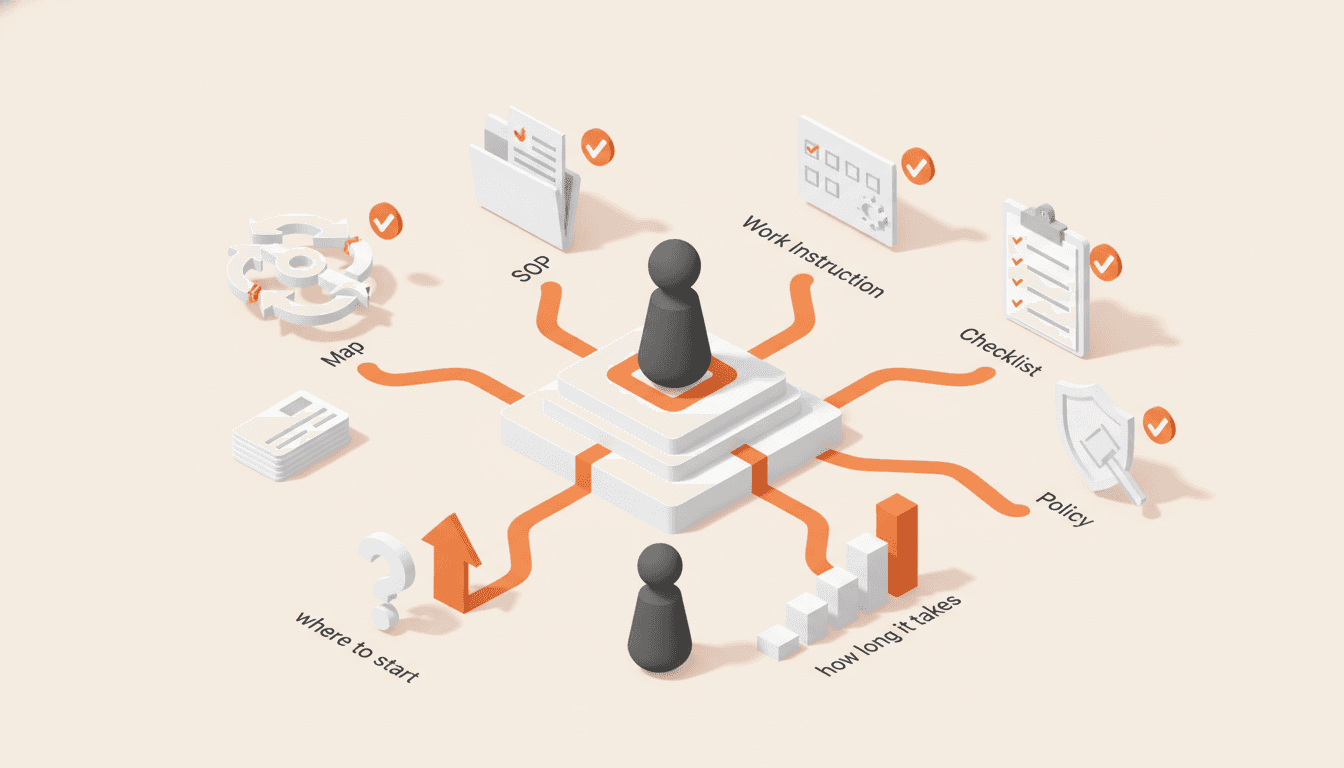
What Is Process Documentation? Definition, Types, and Where to Start
Business process documentation is not one document, it is five: a process map, an SOP, a work instruction, a checklist, and a policy. Here is what each one covers, how long documenting a process really takes, and where to start.

You Have a Process Map. Now What?
A finished map is not a deliverable. Here is the review that turns a process map into SOPs, written decision rules, and a list of the people your business cannot afford to lose.
Get one role out of one person's head in 14 days.
The interview guide, knowledge map and SOP templates we use on paid engagements. Free as Google Docs and Sheets.