
Process Mapping & Documentation
How to Run a Process Mapping Session Your Team Doesn't Dread
By Derek Coffey · August 29, 2026 · Updated August 30, 2026
Run a process mapping session with three people: the person who actually does the work, one facilitator building the map live, and one probing what gets skipped. The practitioner shares their screen and does one real job while you map it, and you turn the recording into a draft map within 48 hours. A process mapping session is a working meeting where the map gets drawn from observed work instead of from memory. How you run one comes down to three decisions: who sits in the room, who drives the screen, and what happens after the call.
The session teams dread is the other one: nine people, a whiteboard, and the loudest voice describing a process he has not run in four years. Nobody corrects him, and the map is tidy, signed off, and wrong.
How to Run a Process Mapping Session: Start With Who Is in the Room
Fewer than you think. Three people: the one who does the work, the one building the map, the one taking notes.
The rule we borrow from knowledge transfer work is blunt: never start with a committee. Get one person who will own the map with you, race to a first 80 percent, then let the peer group tear it apart. A committee argues about the ideal process. One practitioner shows you the real one.
Run the first session with a single practitioner, then let the wider team correct a finished draft.
Pick on four things: wants to participate, will make the time, carries influence, and runs the process the way you would want it copied. Title does not equal fit. You want the galvanizer, the one who can get everybody out for a beer on Friday, because whoever helps build the map becomes its advocate. Prepping that person is covered in how to interview a subject matter expert.
If the process crosses departments, do not fix that by packing the room. Map each lane with its own practitioner and stitch the crossings together afterward, which is what a swimlane diagram is for.
Two Facilitators, One Job Each
Drawing the map and listening for the tell are two different jobs, and one person cannot do both well.
So we split them. One builds the visual map live on the shared screen, so the expert watches it take shape. The other captures notes and probes.
The important moments are quiet ones. The expert says "and then I just fix the file" and keeps moving. The mapper hears one step. The note taker hears a workaround that has run for two years, and asks what "fix" means.
The most valuable sentence in a mapping session is usually the one the expert throws away.
Working solo? Record the call and map afterward. Never draw and probe at the same time with one person on the call. The tooling side is covered in the guide to in-house process mapping.
Why Let the Person Who Does the Work Drive the Screen?
The expert shares their screen and does the real work while narrating. You do not ask them to describe the process. You watch them run it.
Description compresses. Ask an experienced person how they close out a job and you get "then I process it." Watched, that verb is two systems, a spreadsheet, and a step that only works because they remember it. The more automatic the work, the wider the gap between what they say and what they do.
Every session opens with the same standing instruction: we want you to say, no, it does not look like that, I am actually doing this. The map is a draft for the expert to attack, and the session is going well when they interrupt.
A departing bookkeeper at a home services company walked us through her weekly commission run. Getting through it once took 85 minutes: two reports merged with VLOOKUP because the export strips the job IDs, and receipts hunted through a vendor login she did not have. The owner watched his own process end to end for the first time in years, then said quietly that it was a three-day job, every week.
It lived in her hands, not her head, which is why documenting a process that only lives in someone's head starts with watching.
The cost is the expert's time, and a quarterly process has nothing to show today. When you cannot watch it live, have them record the next real run.
The Prompts That Surface the Real Process
A mapping session is a guided run of real work, not an interrogation. Five prompts do most of the lifting.
- Set the improvement frame. Say what the session is for: how could this go better, what problems do you keep hitting, what frustrates you today. An expert who expects an audit gives you the official version.
- Ask for the last real one. Not how it is supposed to go. The last time you did this, on the actual file, for the actual customer. The exceptions are the process.
- Put a time on every step. Write the minutes onto the map. Minutes per step, times frequency, times headcount, and the case for change writes itself: shave three minutes off something 70 people do and you pay for the fix in 90 days instead of a year. That math is what value stream mapping formalizes.
- Ask why the handoff lands here. One client asked it better than we could: why is finance coming in at this point in the process versus this point? Sequence is where cross-department waste hides.
- Close on frustration. End with the same question every time: what other frustrations have you noticed, things out of your control, places where other people are inconsistent?
None of those prompts asks the expert to justify anything. Frustration is data, not complaining, and it clusters where the process breaks.
Handle the Dominator and the Silent Expert
Two people will break your session, and neither of them means to.
The dominator answers every question, including the ones addressed to somebody else. It is a common failure mode in group sessions, and an expensive one: the room documents one person's version and calls it the company's. Ask by step and by name, hand the screen to whoever owns that step, and park colliding versions on the map as a flag.
The silent expert is the opposite problem, and usually a blank canvas is what silenced them. A program manager at a nonprofit explained why a workflow tool never got adopted in one line: the blank space kind of does not really say much. An empty diagram does the same.
Give people something to correct, never a blank canvas. Show up with a rough draft map, wrong on purpose in a place or two, and ask them to fix it.
Was the Team Size Too Much?
That heading is a client's retro question, word for word. The follow-up was sharper: too many opinions, too many different ways of working? A bigger room costs speed and buys one thing you cannot get any other way.
In that client's largest department, every team member took part in the SOP wave, and partway through people discovered colleagues ran the same process differently. "I did not really know that you were doing that" changed the project. Nobody surfaces that in a one-on-one.
| Room | What it buys | What it costs |
|---|---|---|
| One practitioner, two facilitators | Real work, fast, uninterrupted | One person's version only |
| Three to five on the same job | Variations surface, one agreed way | Slower, needs firm facilitation |
| Whole department | Buy-in, handoffs visible | Opinions over evidence, dominators |
The bigger the room, the further the session drifts from evidence toward opinion. Run discovery small and reconciliation wide. Map with one practitioner, then hand the peer group a finished draft to challenge.
If three people run the same process three ways, that second session is the deliverable, not overhead. Our complete guide to process mapping shows where it sits in a full engagement.
From Session to Map: The 48 Hours After
The session is worth nothing until the map exists, so work while the recording is warm.
- Draft the map within two days. Your memory of what the expert meant fades fast, and so does theirs.
- Send it back for correction. Ask for what you asked for live: tell us where this is wrong. Whoever corrects the map defends it later.
- Flag every gap. Anything the recording could not answer becomes an open question, and open questions open the next session.
- Book the next session before anyone hangs up. A session on the calendar can be moved. A vague follow-up dies.
A finished map shows who does what, where the handoffs happen, and where one person has become a single point of failure. A map nobody corrects is wall art.
That loop is what The Systems Effect does for a living: we interview the people holding a business's undocumented knowledge and turn it into process maps, SOPs, and training. Run one lap this week: pick the process people interrupt you about most, book 90 minutes, and ask to see the last real run.
Frequently Asked Questions
How many people should be in a process mapping session?
Three for the first session: the practitioner who does the work, one facilitator building the map live, and one taking notes. Committees argue about the ideal process and eat the clock; one committed expert gets you to a first 80 percent fast. Once that draft exists, widen the room to the three to five people who run the same process and let them attack it.
How long should a process mapping session take?
Budget 90 minutes and expect to use all of it. One weekly commission process took 85 minutes just to walk through once. Across a whole role, expect about six hours of the expert's total time, and we spread it over three to four weeks rather than pushing one call past two hours.
Who should lead a process mapping workshop?
Someone who does not own the process. An owner facilitating their own department gets the version people think they want to hear; a manager gets the version that makes the department look organized. Use a neutral facilitator, internal or external, paired with a note taker, and let the practitioner lead the content by driving the screen.
What questions do you ask in a process mapping session?
Five carry most sessions: how could this go better, show me the last real time you did this, how long does each step take, why does the handoff happen here rather than later, and what frustrations sit outside your control. Add one standing instruction: tell us when the map is wrong. Steps give you a diagram, and the frustrations give you the knowledge worth documenting.
Keep reading
How to Streamline a Process: Turn a 15-Minute Task into 5
Streamlining is not a software purchase. It is a stopwatch, four buckets, and one piece of arithmetic that turns three saved minutes into a number your leadership team will actually fund.
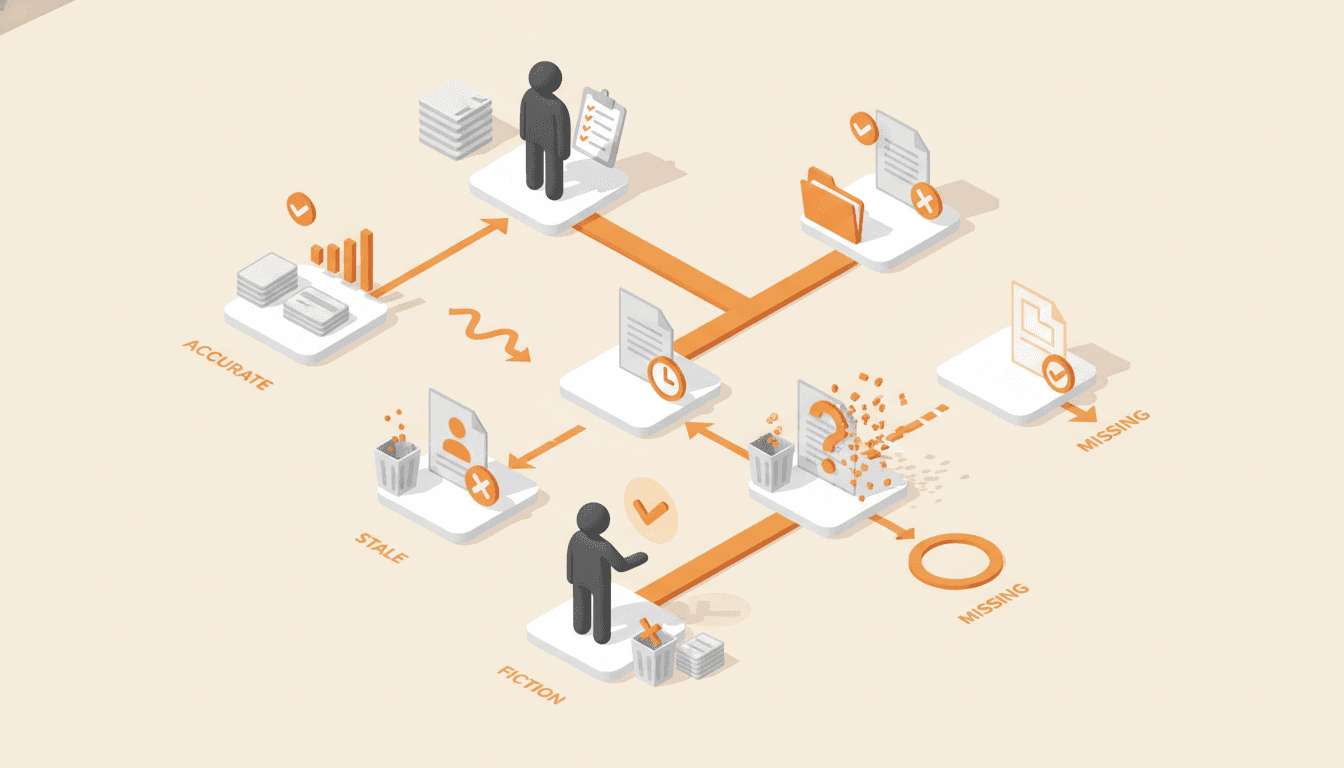
The Process Audit Checklist: Find Out Which Documents Are Fiction
Most companies have documentation, and far fewer have documentation that matches how the work gets done. This audit sorts every process into accurate, stale, fiction, or missing, and tells you what to delete.
Should a Process Map Include Exceptions? The Frequency Test
Most process maps drown in branches that almost never fire. The frequency test decides which exceptions earn a diamond, which become a one-line note, and which are really a second process.
Get one role out of one person's head in 14 days.
The interview guide, knowledge map and SOP templates we use on paid engagements. Free as Google Docs and Sheets.