
Process & Systems Fundamentals
Business Process Improvement Examples: 6 Real Problems and How They Get Fixed
By Derek Coffey · October 6, 2026
Key Takeaway
The most useful business process improvement examples do not start with a tool. They start with a sentence an owner says out loud: this report eats a whole day, nobody can find anything, every decision lands on my desk. Below are six real problems from discovery calls with small businesses, anonymized, each traced through the same four stages: document how the work really happens, diagnose where it breaks, improve the process itself, then solve what is left with the right tool. In all six, the first fix is a change to the process, not a purchase. Rather than claim results nobody measured, each example ends with the numbers to track so you can prove your own version worked. Across 16 businesses we studied, only 27% of the work was documented at all, which is why problems like these stay invisible until someone writes the process down.
How to Read These Examples
Each example follows the same five steps, mapped to the four stages in our guide to business process improvement.
- The symptom. What the owner said, paraphrased.
- Where it breaks. What documenting the process shows (Document and Diagnose).
- The process fix. What changes in how the work gets done (Improve).
- Does a tool belong? Fix it in the process, configure or automate something you already own, or build custom software (Solve).
- What to measure. The before number to record now and check after the change.
Business Process Improvement Examples at a Glance
| Example | What the owner said | The main break | Where the fix lives |
|---|---|---|---|
| 1. The eight-hour report | Most of a day goes to moving numbers around | Double entry, data spread across systems | Process first, then configure or automate |
| 2. The three-day commission audit | Every cycle, days of checking commissions by hand | Rework, rules that were never written down | Process first, then automate the rules |
| 3. Data entry for every regulatory submission | Hours of retyping for each submission | Double entry, a single point of failure | Process first, then automate with a human check |
| 4. Crews starting before the paperwork | Work begins before a proposal or purchase order exists | A handoff with no gate, no system of record | Process first, then configure the tool to enforce it |
| 5. The one person who knows everything | If she left, nobody else could do it | A single point of failure | Almost entirely process |
| 6. Every decision through the owner | Nothing moves until I weigh in | Decision rules that live in one head | Almost entirely process |
Example 1: The Eight-Hour Report
The symptom. An owner told us a routine report took about eight hours, and most of that time went to moving numbers from one place to another. Nobody thought of it as a process problem. It was just what the report took.
Where it breaks. Record someone building a report like this and the time tends to fall into three piles: collecting inputs from several systems, retyping them into the report, and double-checking figures nobody fully trusts. Only a thin slice is analysis. That is double entry in its purest form, often alongside sections added years ago for someone who no longer reads them.
The process fix. Ask who reads the report and which decisions it drives, and cut any section nobody uses. Name one source of truth for every number that remains. Pull the inputs into one place on a fixed schedule instead of hunting for them on report day, and write the steps down so a second person can produce it. Our guide on how to streamline a process covers cutting steps safely.
Does a tool belong? Usually, for what survives the cleanup. If the remaining work is pure data movement between systems you already own, it is a configure or automate job: a scheduled export, an integration, a template that pulls live figures. If the real data is scattered across a stack of spreadsheets, that is a different signal, covered in when spreadsheets stop scaling. Either way, if the inputs arrive in one place, most of those eight hours have nothing left to do.
What to measure. Hours per report, counted honestly. Manual copy steps. Corrections made after the report goes out. Days from the end of the period to delivery.
Example 2: The Three-Day Commission Audit
The symptom. A business spent about three days each cycle auditing commissions by hand.
Where it breaks. An audit that size signals that the inputs are not trusted. Ask the person doing it what they check each line against, and two things usually surface. The commission rules live partly in a plan document and partly in someone's memory, with exceptions layered on over the years. And the deal data feeding the calculation was entered inconsistently at close. The audit is rework in disguise: checking at the end of the cycle what should have been right at the start.
The process fix. Write every commission rule down in one place, each exception included, with a worked example. Then move the check upstream: make the fields the calculation needs required when a deal closes, and name one owner for deal data accuracy. Once deals are right at entry, the audit can shrink to reviewing only the deals that hit an exception. That is the idea behind standard work: one written way, so the output stops depending on who did it.
Does a tool belong? Yes, once the rules are written. Written rules are what software does best, so the calculation becomes a strong configure or automate candidate in the systems you already run. If the plan is unusual enough that off-the-shelf tools fight it, custom software can fit better, with the written rules as its specification. What fails is automating rules nobody wrote down. The software encodes someone's best guess, and the audit carries on, now aimed at the tool.
What to measure. Days per audit cycle. Corrections found per cycle, and where each one originated. Commission disputes raised by the team. The share of deals that need manual review.
Example 3: Three Hours of Data Entry per Regulatory Submission
The symptom. A business spent around three hours of manual data entry on every regulatory submission. A filing mistake is expensive, so the time rarely gets questioned.
Where it breaks. Map each field on the submission to where its data comes from. Usually the data already exists in systems the business runs. The submission just wants it in a different shape, so someone re-keys it and checks it twice. That is double entry. Often there is a second break underneath: one person knows the format and its quirks, which makes the submission a single point of failure with a deadline attached.
The process fix. Build a field map: every item on the submission, its source, and who owns that source. Fix any field with no reliable source. Where you can, capture data during the period in the shape the submission needs instead of translating it at the deadline. Write the procedure as a checklist and train a second person on it, using how to interview subject matter experts to get the quirks out of the expert's head.
Does a tool belong? This is a classic automate case: repetitive, rule-based, and recurring. If the submission accepts a file upload, that file can often be generated from the source data. If not, a prefilled worksheet can still take most of the retyping out. Keep a human review before anything is filed, because automation removes typing errors, not judgment. If the data is scattered and the submission is central to the business, weigh it using build vs buy for custom software.
What to measure. Hours per submission. Errors caught in review, plus corrections after filing. How many people can complete it without help. Time from the data being ready to the submission going out.
Example 4: Crews Starting Before the Paperwork Exists
The symptom. Field crews were starting work before anyone had sent a proposal or opened a purchase order. Separately, a service report from about three months earlier could not be found when someone needed it.
Where it breaks. Map one job from first call to final invoice and two handoffs stand out. Nothing checks whether the work was approved before it gets scheduled, so the crew's start date becomes the real trigger and the paperwork chases it. And the service report has no defined home, so it lives wherever its author happened to put it. Neither is a people problem. As we argue in it is a system problem, not a people problem, a new hire in the same spot would make the same miss.
The process fix. Put a gate in front of scheduling: no job goes on the calendar until the proposal is accepted and the purchase order is open, with one named person who owns that check. Write down the genuine exceptions, such as an emergency call, and who can approve them. Then define what closed means: the service report is filed in one place, named by job, before the job is marked complete. Neither change needs new software.
Does a tool belong? Often, as configuration. Many job management tools can be set up to block scheduling until required fields are filled and to require an attachment before a job closes. But a tool can only enforce a rule somebody wrote. If the way your jobs actually flow fits no product you have tried, custom software built around the documented flow starts to make sense.
What to measure. The share of jobs started with an accepted proposal and an open purchase order. Jobs closed without a filed report. How long it takes to find a report: pick five jobs from last quarter at random and time it. Billing disputes over work nobody approved.
Example 5: The One Person Who Knows Everything
The symptom. An owner described a long-tenured employee who knew how everything worked, and said that if she left, they would have nobody else. It is one of the most common things we hear on discovery calls.
Where it breaks. This is a single point of failure in plain sight, and the numbers explain why it is so common. When we gap-analyzed 16 businesses across 68 roles and 461 process areas, 50.3% of role areas had no documentation at all, and 82% of teams were below 50% coverage. When nothing is written down, knowledge collects in whoever has been there longest. Capturing her work tends to surface steps nobody knew were steps, workarounds for gaps in the systems, and judgment calls she makes without noticing.
The process fix. Here, documenting is most of the improvement. Record her doing the work and narrating why, and interview her for the decisions that never show up on a screen. Our guide to capturing tribal knowledge covers the method. Turn the captures into written procedures, then have a second person run each one while she watches and corrects. She moves from the only person who can do it to the person who reviews it. Each workaround she shows you is also a lead: a spot where the process breaks and she has been patching it by hand.
Does a tool belong? Rarely as the fix itself. This is a fix in the process case. Training tools help spread the knowledge once it is captured, and her workarounds may later point to gaps a tool could close, but only after the capture.
What to measure. Documented coverage of her processes. The number of processes someone else has run start to finish without help. Questions per week that still route to her.
Example 6: Every Decision Comes Through the Owner
The symptom. An owner told us that every decision had to come through them. It is a common complaint and an expensive one, because the business can only move as fast as one person can answer.
Where it breaks. Log every decision brought to you for two weeks: who asked, what it was about, and how you decided. You are looking for repetition, the same few decisions settled by rules you have never said out loud. That is a single point of failure at the top of the business, and it creates waiting everywhere below it, because work queues until the owner is free. Our guide on how to find the bottleneck in your business explains why the owner so often turns out to be the constraint.
The process fix. Write down how you make the decisions that repeat. Set thresholds so the routine ones belong to the team: a discount under a set amount, a purchase under a set limit, a schedule change inside a set window. Name who decides each one. Review the exceptions and spot-check the rest for a few weeks, then step back. When a call goes wrong, fix the rule instead of taking the decision back.
Does a tool belong? Almost never as the first move. This is a fix in the process case. Once thresholds exist, an approval step in software you already use can route the exceptions to you, but only because the rules came first.
What to measure. Owner touches per week, which for most small businesses is the number that matters most. How long work waits for a decision. The share of decisions the team makes within the written rules. How often you reverse one.
What These Workflow Improvement Examples Have in Common
Look across all six and three patterns repeat.
The symptom was never the problem. A slow report, a long audit, a missing file, an overloaded owner: each was the visible end of a break further upstream, whether data in too many places, rules nobody wrote down, a handoff without a gate, or knowledge held in one head.
Every first fix was a change to the process. One source for each number, written rules, a gate before scheduling, a second trained person, decision thresholds. Most of those cost an afternoon and a little discomfort.
The tool, when it came, had a clear job. Where software belongs in these examples, it belongs because the process was documented and cleaned up first, so the tool gets an exact specification instead of a vague hope. When custom software is the right answer, that specification is what makes the build land. It is why our sister company, The Software Effect, builds custom software you own, not rent, on top of the process work rather than in place of it.
That ordering is the whole method in our business process improvement guide: document, diagnose, improve, then solve.
How to Find Process Improvement Examples in Your Own Business
Every example above started with a sentence the owner had been saying for months. Listen for yours.
- Work described as just how the job works. Long reports, manual audits, and retyping sound normal to the people doing them.
- Work that depends on one person. Ask what would stop if they were out for a month.
- Work you personally have to approve. Count your touches for a week.
- Things that keep going missing. Lost files and dropped handoffs are the same break showing up in different places.
For a structured walk through the whole operation, use a process audit checklist. For work that crosses several teams, a value stream map shows where it waits. Then pick the one that hurts most, record its before numbers, and take it through all four stages.
Frequently Asked Questions
What are some examples of business process improvement?
Common examples in small businesses include shrinking a routine report by pulling its inputs into one place, replacing a manual commission audit with written rules and clean data at entry, removing retyped data from regulatory submissions, gating field work behind an accepted proposal, capturing a long-tenured employee's knowledge so others can do the work, and writing down the owner's decision rules so routine calls move to the team. Each one fixes the process first and adds a tool only where one is still needed.
What is an example of a workflow improvement in a small business?
A simple one is a gate between sales and operations: no job is scheduled until the proposal is accepted and the purchase order is open, and one named person owns that check. It costs nothing, it closes a handoff where work can easily slip, and if your job management software supports required fields, it can be enforced automatically later.
How do you measure a process improvement?
Record two or three numbers before you change anything: cycle time, staff hours per cycle, error and rework rate, how often the process needs the owner, or how much of it is documented well enough for someone new to run. Check the same numbers a few weeks after the change. Without a before number, nobody can tell whether the improvement worked.
Where should a small business start with process improvement?
Start with the process that depends most on one person, runs most often, and costs the most when it goes wrong. Document how it really happens, find where it breaks, fix the process, and only then decide whether a tool belongs. Our business process improvement guide covers the four stages in detail.
Keep reading
Business Process Improvement for Small Business: Document, Diagnose, Improve, Solve
Business process improvement fails in most small businesses because it starts with a tool. It works when you run four stages in order: document how the work really happens, diagnose where it breaks, improve the process itself, and only then solve what is left with the right software.

Continuous Improvement for Small Business: Keeping Systems Alive After the Project Ends
A client asked us how to keep using the systems, improve them, and grow on them without staying on a contract forever. Here is the answer: one named owner, one hour a month, a retro after every wave, and a document that changes the same day the process does.
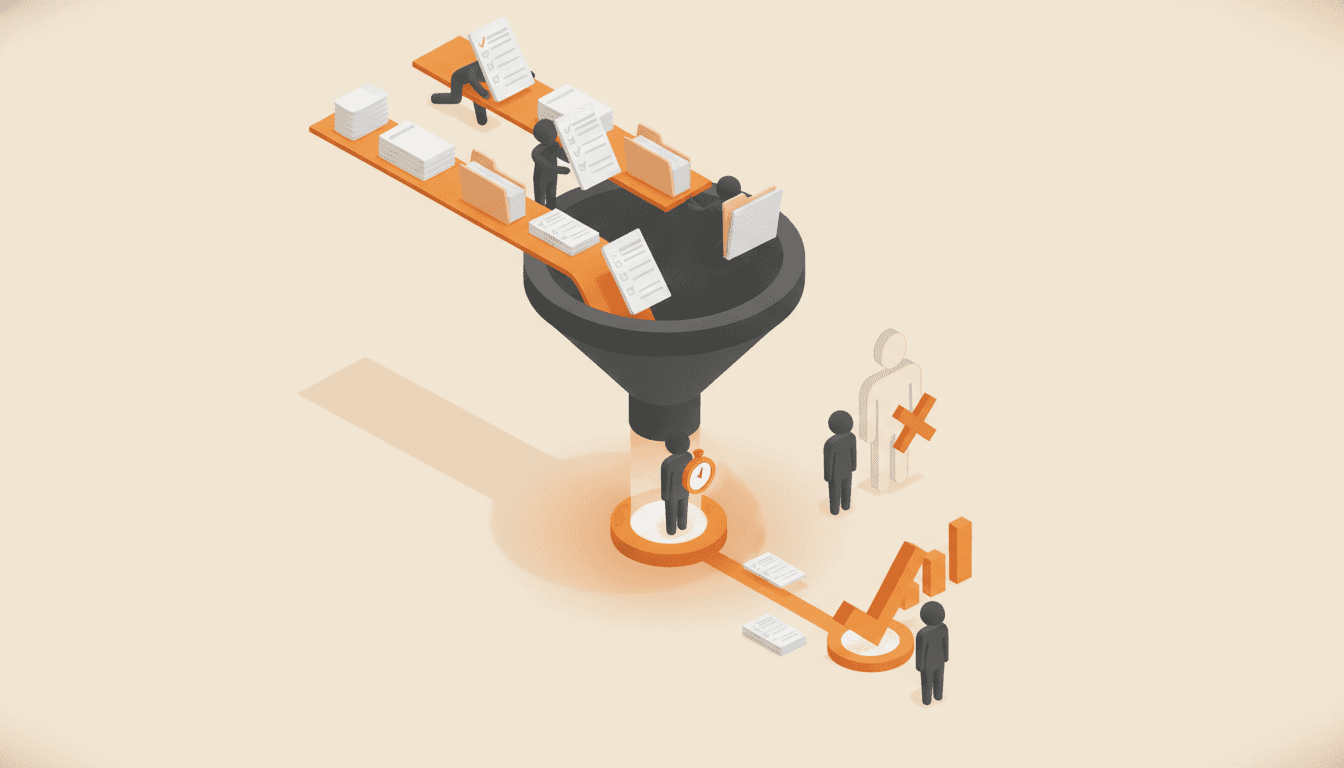
How to Find the Bottleneck in Your Business (Before You Hire Around It)
A bottleneck is the one step that sets the pace for everything after it. Here is how to locate yours with a stopwatch instead of a hiring req, and why the fix is almost never another person.
Which processes should you write down first?
Rank the work that keeps your business running. You get the five to capture first and a 90-day order to capture them and get your team using them.