
SOP Version Control: How to Keep One Current Copy of Everything
By Derek Coffey · August 29, 2026
Somewhere in your shared drive there are three copies of the same process, and nobody can tell you which one is current. SOP version control is the fix, and it is filing rather than software: one live copy per process, a header naming an ID, an owner and a next review date, and one person who approves a change before it goes live. What the change replaces moves to an archive nobody can work from by accident. Set up once, it costs about 15 minutes a month.
Why Three Versions of One Process Exist
The COO of a 55-person residential cleaning company described her playbook in one word: bloated. Three redundant versions of one process, nobody able to find anything, and her own name for the result was cognitive overload.
She was honest about the cause, and it was not carelessness. "I will start this one and I have got to go over to operations, and then I do not make sure they are all cohesive." She sits in several seats at a company cleaning 85 homes a day. Documentation loses every collision with the day, and each abandoned rescue leaves another copy behind.
Nobody sets out to keep three versions. Copies pile up because no rule says who may make one, and there is nowhere to put the old one.
The cost lands on the reader. Someone burned once by opening the wrong copy asks a coworker next time, which is the quiet half of why SOPs collect dust.
Three copies of one process are not redundancy, they are three different answers to the same question.
Give Every Document an ID, an Owner, and a Review Date
Version control starts with a header block at the top of every document. Five fields carry the whole system.
- Assign an ID. A short permanent code that never changes and never gets reused, even after the document retires.
- Number the version. v1, v2, v3 for anything the person running the work needs to know about. Typo fixes do not earn a number.
- Name one owner. A person, not a department. "Operations" has never once updated a document.
- Stamp the last change. The date, plus one line saying what changed. That line is your change log, and it lives with the document.
- Set the next review date. A real date, chosen when the document publishes.
Those five are facts about the document rather than the work, which is why the header survives every rewrite. A review date with nobody attached is a wish. A document with no owner's name in the header is not a document, it is a draft.
How Should You Number Your SOPs?
Use a short process-area prefix and a sequential number: OPS-04, SALES-02, HR-11. Track the version separately, so the file reads OPS-04 v3. Boring is the point.
Two rules keep a numbering system from rotting. Never reuse a retired number, because someone will follow a reference to OPS-04 in an old email and land on the wrong process. And never encode anything that can change: not the owner, not the software, not the year, not a department name.
That last one bites often. A COO asked whether we needed her org chart, then answered herself: she had been building documentation around it, "and that is not the way it is built." Her office was one bucket labeled anyone-who-answers-the-phone, with scheduler, dispatcher, sales and finance blurred together.
Processes are stabler than org charts. Number by process area, never by team name or job title, so a reorganization never renames a single document.
The Approval Step: Nothing Publishes Without a Name on It
One person approves each process area, and approval means one specific thing: this document matches how the work is done today. Not that the grammar is clean.
We enforce this structurally inside our own operation. Drafts can come from anywhere, including AI, but nothing reaches a client unreviewed, and a person rather than a tool decides what publishes.
Pick the approver for proximity to the work, not for rank. Whoever can honestly say "yes, that is what happens on a Tuesday" often sits two levels below the person whose title suggests they should sign. If you cannot name that person, the next move is a process audit that scores which documents are still true.
No document goes from draft to live without one named person approving it.
Archive Instead of Delete, but Only One Copy Is Live
A client asked us this in four words on a working call: "What do we delete?" Almost nothing, because deleting and retiring are different jobs.
Keep the old version. You will want it the day a customer disputes something that happened under the old rule. What you cannot do is leave it where someone might open it by accident. Retired copies go to an archive folder outside the search path, with ARCHIVED at the front of the file name.
Three statuses, and every document sits in exactly one.
| Status | Who can edit | Where it lives | Who reads it |
|---|---|---|---|
| Live | Owner, with approval | The one library | Everyone in the role |
| Draft | The writer | Draft area | Reviewers only |
| Archived | Nobody | Archive folder | On request |
The last column is the one that matters. A live document is the only thing anyone is ever pointed at, which is what makes a library a single source of truth instead of another app. If two live documents cover the same process, you have a merge to do today.
Separate the Process from the Software Screenshots
The same cleaning COO named her second problem, and it is where most libraries go wrong on day one. Her process documentation and her CRM how-to guides lived in one giant document. Every time the vendor moved a screen the whole SOP went stale, including the parts that had not changed.
Split them. The process document answers what happens, why it exists, who owns each step and where someone has to make a judgment call. The tool guide answers where to click, with the screenshots. The process document links to the tool guide, and neither contains the other.
The split follows the way work decays. Purpose and decision points hold for years. Screens change on a vendor's release schedule with no notice, which is the argument for keeping tool guides short and cheap to redo, whether your procedures live in Google Docs or Word.
A screenshot has a shelf life, and a decision rule does not.
If a software change forces an edit to your process document, the two were never properly separated.
What Do You Do When the Vendor Moves a Button?
You edit one tool guide, bump its version, add one line to the change log, and tell the role that runs it. The process document is not touched. That is the whole response.
The rule that makes it hold is timing: the document changes the same day the process does. Wait a week and the change lives in a group chat, where it gets re-argued. We watched a field services company move a KPI target verbally mid-call, 4,000 per van becoming 6,000, with no document carrying either number.
Verbal changes are the version control failure no folder structure catches. Every process change gets one of two endings: written into the live document that day, or dropped out loud, on purpose. There is no third ending where it survives in someone's head, which is the pattern behind rules that change while nobody updates the SOP.
SOP Version Control Costs About 15 Minutes a Month
Once the header, the numbering and the archive rule exist, upkeep is a calendar item, not a project. Here is the sweep, in order.
- Pull what is due. Sort the library by next review date and take only what has come due. Nothing else gets touched.
- Ask the use question. Is anybody actually using this? One owner paid five figures to fill a training platform his team never opened, and calls unused documentation his worst nightmare.
- Confirm the owner. People change seats faster than documents do, and an orphaned document is the first to go stale.
- Close the change log. Anything that changed in a chat thread this month gets written in or dropped out loud.
- Archive one thing. A library that only grows is one nobody can navigate.
Only step four is real work; the rest is one decision each. Bolt the sweep onto whatever monthly improvement rhythm you already run, because the review dates hand the meeting an agenda.
When we rebuild a client library at The Systems Effect, the first pass is never writing. It is deciding which copy of each process is live, putting a name and a date on it, and moving the rest out of reach. Do that for your five most-used processes this week.
Frequently Asked Questions
How do you version control SOPs?
Give every SOP a header carrying an ID, a version number, an owner's name and a next review date, then allow exactly one live copy per process. Changes go through one named approver who confirms the document matches how the work is done today. Retired versions move to an archive folder outside the search path rather than being deleted.
What is a good SOP numbering system?
A short process-area prefix plus a sequential number, like OPS-04 or SALES-02, with the version tracked separately as v1, v2, v3. Keep the ID deliberately meaningless so it never has to change when the org chart does. Never reuse a retired number, and never encode the owner, the software or the year.
Who should approve changes to an SOP?
One named person per process area, chosen for proximity to the work rather than rank. Approval is not a grammar check; it is a claim that the steps match reality today, so the approver has to be someone who can say what happens on a normal Tuesday. In our own operation the rule is structural: nothing publishes unreviewed.
How do you stop employees from using an old version of a procedure?
Make the current one impossible to miss and the old one hard to reach: one live library, an archive folder out of the search path, and ARCHIVED at the front of every retired file name. Then announce each change to the role that runs it, the day it happens. Most old-version problems are discovery problems, because people use whatever copy they find fastest.
How often should SOPs be reviewed?
Set a review date per document instead of reviewing the whole library at once. Anything touching software, pricing, safety or compliance earns a quarterly date; stable processes can run annually. A 15 minute monthly sweep then handles whatever has come due.
Keep reading
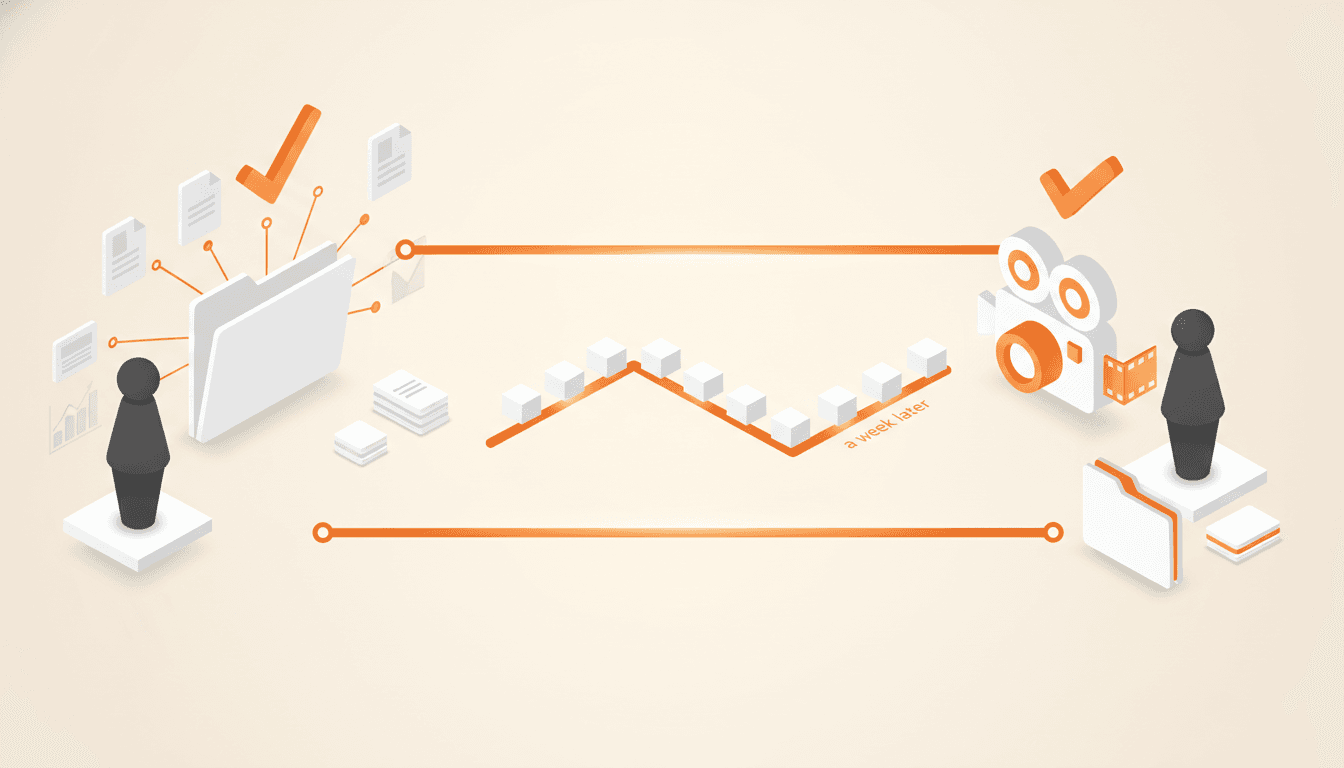
The Two-Interview Method: Map First, Film a Week Later
The fastest way to ruin a training video is to film the first conversation you ever have with the expert. Map the process in one session, film it a week later, and let the week in between do work neither interview can.
Unconscious Competence: Documenting the Expert Who Can't Explain It
Your best person does the job perfectly and describes it terribly. Here is how to document a process from an expert who cannot explain it: record the work, ask why, and let a newcomer catch the invisible steps.
What Belongs in a Quote: The Lines That Stop the Argument Later
A quote is the only record most jobs ever get, so it has to carry more than a price. Here are the eight sections a quote should include, and why the exclusions line saves more money than the markup.
Get one role out of one person's head in 14 days.
The interview guide, knowledge map and SOP templates we use on paid engagements. Free as Google Docs and Sheets.