
Knowledge Management for Small Business: A Practical Starting Point
By Derek Coffey · August 29, 2026
Knowledge management for a small business is the work of getting what your company knows out of heads, group chats, and one-off spreadsheets and into places your team can find and trust. At 40 people it is not a software purchase and not a librarian's job. It is four decisions: which kinds of knowledge you hold, where each lives, who keeps it current, and what triggers an update.
Most owners already have the knowledge. What they do not have is an index.
What is knowledge management for a small business?
Knowledge management is the practice of capturing what your people know, storing it somewhere findable, and keeping it current as the work changes. Three verbs: capture, store, maintain. Most small companies do the first in bursts, the second by accident, and never reach the third.
That third verb decides everything.
Documentation is an output of knowledge management, not a synonym for it. The steps and maps that make up business process documentation are the written half. The rest is the judgment inside those steps and the records the work runs on.
Why the enterprise version does not fit a 40-person company
Enterprise knowledge management assumes a knowledge manager, a taxonomy committee, a governance cadence, and a portal somebody maintains full time. You have a COO sitting in six seats.
We worked with one at a 55-person cleaning company that services 85 homes a day. She built the playbook herself between operational fires, which is why it holds three versions of the same process and nothing anyone can find. Her word for it: cognitive overload.
Buying a platform first does not solve that. One field services company spent five figures having its operation documented in a training platform, and the team never opened it. A nonprofit program manager named the reason when a new tool reached her team: the blank space does not really say much.
An empty platform does not ask better questions than a blank sheet of paper.
At your size the constraint is not storage, it is attention, so the only program that survives is one a busy person can run inside a normal week.
The four kinds of knowledge a small business holds
Each kind is captured differently and belongs somewhere different. There are four.
| Kind | What it answers | How you capture it | Where it belongs |
|---|---|---|---|
| Process | How the job actually gets done | Record the practitioner | SOP and process map |
| Decision | Which call to make at a fork | Interview at the forks | In the SOP, at the fork |
| Wisdom | Why the best person gets it right | A second, why interview | Training video and stories |
| Records | What is true right now | System of record, no copies | One system, one field |
Most programs capture the first kind and stop. That is how a company ends up with a documentation library that still routes every hard question to one person: the steps got written down and the judgment did not.
The fourth kind hides in workarounds. When exported job codes break and somebody rebuilds them by hand each week, the truth about your week lives in that spreadsheet.
Wisdom is the kind nobody schedules. Two people follow the same SOP: one gets it right every time, the other cannot, and the difference is never in the steps. It is ten or twelve principles running quietly in the good one's head, which is why capturing tribal knowledge needs an interview, not a template.
Where your knowledge actually lives right now
Before you choose a home for anything, find out where it sits today. When we measured 16 small businesses across 68 roles and 461 process areas, 27% of the work was documented on average, and half the role areas had nothing at all.
The other 73% is somewhere, and in the businesses we audit it is five or six places.
- Twenty-plus group chat threads, one per crew or topic
- Spreadsheets for everything the software will not do
- A whiteboard holding the numbers that matter
- One long-tenured person's memory
- An SOP platform bought two years ago that nobody opens
At one field services client, answering "who worked that job, who was the helper, did it close" meant re-reading hundreds of chat messages. The routing manager and the bookkeeper each did that reconstruction separately, every week.
None of that is negligence. It is what capable people build when the system does not hold the answer, and it is also the risk you know by heart.
A group chat holds everything and files nothing.
Build the index before you build the library
The first deliverable is not a document. It is a one-page index: every process, who holds it, where it lives today, whether it is current, and who owns it.
The index does two things a pile of documents cannot: it shows what already exists, and it forces the truth about use. Owners tell us some version of "we documented this years ago, we just need to dust it off" on almost every call.
The follow-up is always the same. Is anybody using them? The pause is the answer.
At a staffing company, a training lead spent months hearing his boss ask for content that already sat unshown in their own platform. Nothing needed writing. Something needed finding.
Do not write a single new document until the index shows you what exists and who is actually using it.
Then rank the index instead of working down it alphabetically. A knowledge risk assessment scores each row on how many people can run it and what stops when it stalls. Document from the top.
One home per kind of knowledge
Every kind of knowledge gets exactly one home, and every other place points at it. That is the whole rule, and most small businesses break it within a month.
Content in a shared drive folder does not get used. Put process and training where the work already happens, structured by role, and keep no second copy anywhere else.
One home per kind, though, not one home for everything. A cleaning company we worked with had fused process, training, and software click-throughs into single documents, so every vendor screen change made the whole SOP stale. Separating the kinds makes updates cheap enough to happen.
This is the working version of a single source of truth: one place the team trusts by default.
How do you keep a knowledge base from going stale?
You give every document one named owner and a short list of triggers, not an annual review date nobody honors. Review dates compete with real work and lose. Triggers fire on their own.
Four of them cover most of the drift:
- A tool changes. The vendor moves a screen, so the click-through gets re-recorded. Keep the process document separate and it does not move.
- A person gives notice. Notice starts the knowledge exit, not the goodbye lunch. The exit interview worth running is the one about the work, and two weeks is enough for the highest-risk pieces.
- Something goes wrong. No incident closes until the document changes. Most companies wait for the fire, then send people back to the playbook.
- A target moves. Numbers get changed verbally in a meeting and nowhere else. If the goal moved, the document moves.
The other half is letting the people running the process tell you when it drifts. We close every interview by asking what frustrations they have noticed. Frustration is the cheapest staleness detector you own, and nothing kills adoption faster than a binder from 2019.
The 90-day version of a knowledge management program
You do not need a year, and you do not need a spare person. Here is the sequence for a team that has neither.
- Days 1 to 30: index and rank. Build the one-page index, score the rows for risk, and choose the first area. Pick the process already closest to working rather than the biggest mess.
- Days 31 to 60: record, do not write. Never ask someone to write down how they do their job. Record them doing it, screen by screen, and pull the SOP out of the recording. Budget 2 to 4 hours of the expert's time per process.
- Days 61 to 90: homes, owners, triggers. Load the finished work where the work happens, put one name on each document, and write the triggers beside that name.
Then measure adoption, not volume. What matters at day 90 is not how many documents exist, it is how many questions stopped arriving at your desk. At The Systems Effect we interview the people holding a business's undocumented knowledge and turn what they say into SOPs, process maps, and training, and the index always comes first.
Take the question your team asks you most often and write one line: where its answer should live. That is row one.
Frequently Asked Questions
What is knowledge management for a small business?
It is capturing what your people know, storing it in one findable place, and keeping it current as the work changes. That covers four kinds: documented process, the decisions inside it, the wisdom behind it, and the records the work runs on. It is a set of habits and homes, not a department.
What is the difference between knowledge management and documentation?
Documentation is one output of knowledge management. It produces the artifacts, SOPs, process maps, and training videos, while knowledge management decides what gets captured, where it lives, who owns it, and when it changes. Plenty of companies have documentation and no knowledge management: a folder of accurate files nobody can find or trust.
Where should a small business store its SOPs?
In one place the team already opens during the workday, organized by role and tagged by process, with a way to see who has been through what. Trainual and PlaybookBuilder do this out of the box, and Notion or Confluence work if you add the role structure. What matters more is that no second copy exists.
How do you stop a knowledge base from going out of date?
Give every document one named owner and a short list of triggers that force an update: a tool change, a resignation, an incident, or a changed target. Annual review dates fail because they compete with real work. Keep software click-throughs separate from the process, so a screen change costs a re-recording, not a rewrite.
Do you need knowledge management software?
Not to start. The first month is an index, a risk ranking, and a few recordings, none of which needs a new subscription. Buy a platform once you know what goes in it and who owns keeping it current, and confirm current pricing and per-seat terms with the vendor directly.
Keep reading

Knowledge Risk Assessment: Find Your Single Points of Failure
A structured way to find out whose head your business lives in. Score every role on who holds what and how replaceable it is, then document in order of damage.

How to Build a Knowledge Transfer Plan (Before You Need One)
Most knowledge transfer plans get written in the two weeks after a resignation letter. Here is the version you build while you still have runway: ranked by damage, recorded from the real work, proven by a solo run.
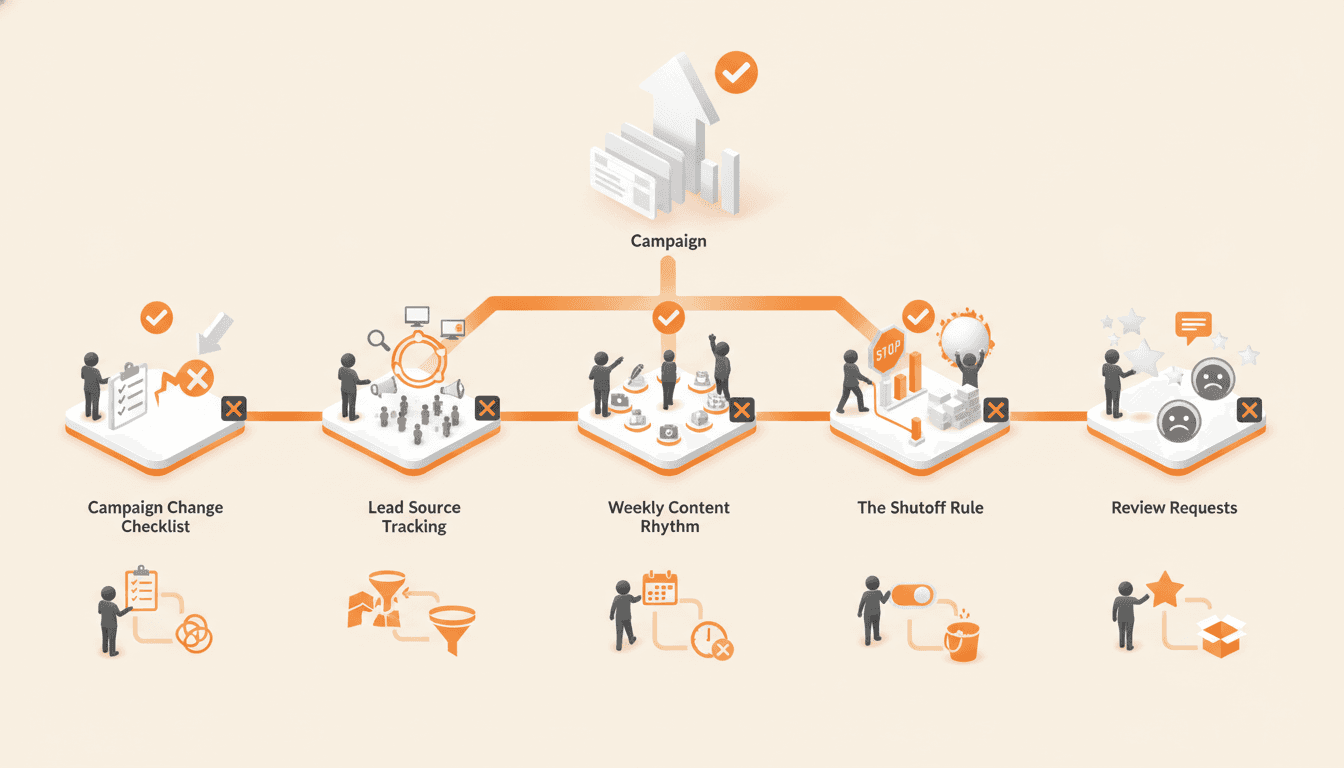
Marketing SOP Examples: 5 Procedures That Keep Campaigns Running
Five marketing SOP examples you can copy: the campaign change checklist, lead source tracking, a weekly content rhythm, the shutoff rule, and review requests. Each one comes with a skeleton and the failure it prevents.
Get one role out of one person's head in 14 days.
The interview guide, knowledge map and SOP templates we use on paid engagements. Free as Google Docs and Sheets.