Process & Systems Fundamentals
How to Systemize a Membership Association (When Officers Change Every Year)
By Derek Coffey · August 29, 2026
Here is how to systemize a membership association: document the four things that repeat every year, one at a time, with the staff who run them. Start with the membership lifecycle, then chapter events, then courses and certificates, then the officer handoff. Associations feel disorganized for a reason most companies never face: the calendar repeats, but the people do not.
Key Takeaway: Capture the decision points, not just the clicks. A committee chair starting in March needs to know who approves what and by when, and no click path tells them that. Write the processes down before you shop for a replacement platform, or you will be buying against the wrong requirements.
Why Association Work Runs on the Two People Who Remember
On paper, an association is a board, committees, and chapters across a region. In practice it is an executive director and one administrator who know how the conference gets built and what to do when a chapter treasurer goes quiet. Everyone else is a volunteer with a day job.
Annual frequency hides the risk. A process you run forty times a week gets corrected until it works. A process you run once a year gets rebuilt from memory, by whoever holds it that year.
A process you run once a year is a process nobody remembers and everybody assumes is written down.
Associations also point at an old binder: we documented this years ago, we just need to dust it off. The follow-up question is always the same. Is anybody using it? The silence is the answer.
The step-by-step sequence for systemizing a business applies here, with one adjustment: your experts are volunteers, so their hours are borrowed.
How to Systemize a Membership Association: What to Document First
Start where a failure costs you members or money, and where the knowledge sits with the fewest people. That rule sets the order.
- Map the membership lifecycle. Join, renew, lapse, win back. This is your revenue.
- Standardize chapter events. One process in many places is where inconsistency multiplies fastest.
- Document courses and certificates. Anything a member may have to prove later needs a written trail.
- Write the officer handoff. Guaranteed to run again in twelve months, held by someone new.
Run these as separate waves, not one organization-wide push: documenting in department waves beats a full-org project that stalls when conference season lands.
Budget two to four hours of an expert's time per process. If a chair cannot commit that, they are not your first wave; when two areas look equally urgent, use a framework for prioritizing what to document first.
Membership: Join, Renew, Lapse, Win Back
Membership is not one process. It is four states, and most associations have written down only the first.
Renewal is where the money is, so it gets the most detail: the notice schedule, the grace period, the failed auto-renewal, and who chases it. Lapse needs a defined day: on day 31, name what access ends and where the record goes. Win back is a campaign with an owner, not a shrug.
The clicks are the easy part. The judgment calls are what nobody wrote down: who approves a hardship rate, whether a reinstated member keeps their join date, and how someone transfers chapters mid-year.
Every change in a member's status needs one named owner and one written trigger.
When those triggers live in staff heads instead of the system, the workarounds get expensive. One association's team described adding more than 700 people to lists by hand so the rest of the operation would function. That is not a data-entry problem; it is an unwritten process running on unconnected software.
Events and Chapters: One Process, Many Locations
A chapter event is one process running in ten places with ten different volunteers, the same problem a franchise faces across its locations. The fix is marking every step of one shared process standard or local.
Standard means identical everywhere, because money, member data, or the association's name is involved. Local means the chapter decides.
| Event step | Standard everywhere | Chapter's call |
|---|---|---|
| Registration and payment | Same form, same fees | Early-bird cutoff |
| Refunds | One written policy | Waitlist handling |
| Sponsor invoicing | National template, one approver | Local outreach |
| Attendance roster | Returns to the member record | Check-in staffing |
Notice what lands in the standard column: everything touching money or the member record. The venue, the speaker, the food stays with the chapter, because standardization fails the moment it reaches for the parts volunteers enjoy.
Certificates, Courses, and Proof of Completion
Courses are where an association quietly takes on a records obligation. A member who earns a certificate may have to prove it to an employer or a licensing board three years later, and "we emailed it at the time" is not proof.
So the process runs longer than people expect: build, enroll, record completion, issue the certificate, handle reissues, look up a transcript, track expiry. The last three are the ones associations skip, and the ones members call about.
Two questions settle the design: where does the course video live, and what is the one place a completion record is true? Every coaching business has to answer the same thing about where its videos live, and the answer only counts once it is written down.
A completion recorded in the LMS, a spreadsheet, and an email thread is a completion nobody can defend. Pick a single source of truth and make everything else point back at it.
Is the Platform the Problem, or the Process?
Sometimes the software genuinely is at fault. One association we watched had staff running a report out of one part of their membership system purely to tell another part of the same system what to do. That is two products behind one login that were never connected.
Most platform complaints, though, are process complaints in costume. If two staff members describe the same task differently, your process is the problem, not your software.
Software amplifies whatever it sits on. Point it at chaos and you have bought faster chaos. That association's replacement quote came back at $61,000, approved contingent on a grant, so it is worth knowing what actually drives custom software cost before you go shopping.
Officers and Volunteers Turn Over Every Year, So Write for Them
In a company, a key person leaving is a crisis. In an association it is a Tuesday in June. Your whole volunteer leadership layer changes on a published schedule, so documentation here is not insurance. It is the operating requirement.
An association that documents nothing re-teaches its whole volunteer layer every twelve months.
Write for a competent stranger who starts in March. Two artifacts carry the load: a one-page role sheet and the processes linked behind it. The sheet names what the officer owns, the dates that matter, who to call, and what they can decide alone.
In nonprofit rollouts the most common adoption failure we see is not resistance, it is a blank screen. Teach the two or three functions the officer needs and keep the depth behind links.
Then schedule the handoff instead of hoping for it: a recorded walkthrough before the outgoing officer's last meeting, with them doing the real work and narrating it.
What Should You Do Before You Buy a Replacement System?
Run the five questions that decide build versus buy: how core the workflow is, how well an off-the-shelf product fits, how pricing behaves as you grow, how sensitive the data is, and how much it must integrate.
Pricing bites associations hardest, because member platforms commonly charge by member count or seat, so growth raises the bill on its own. Confirm current numbers with the vendor; what is accurate as of this writing may not be when you sign.
Rent the commodity, own the core. Email, accounting, and payment processing are commodities. The way your tiers, chapters, and credentials interact might be worth owning. Building custom software you could have bought is ego, not strategy.
Three things to do before any demo:
- Write the process down. The renewal cycle and one chapter event, decision points included.
- Time the manual steps. Minutes times frequency times headcount is your business case.
- Demo against your own workflow. Your renewal, your edge cases, not their sample data.
Do that and the demo becomes a fit test instead of a sales pitch. At The Systems Effect we interview the people who hold that knowledge and turn what they say into SOPs, process maps, and training teams follow.
Pick one thing this week. Write down last year's renewal process the way it actually ran, judgment calls included, and hand it to whoever runs it next year.
Frequently Asked Questions
What processes should a membership association document first?
Start with the membership lifecycle: join, renew, lapse, and win back. It carries your revenue and feeds every other system. Then chapter events, courses and certificates, and the officer handoff. Whatever fails most expensively and is known by the fewest people goes first.
How do you standardize processes across chapters?
Write one process and mark every step standard or local. Standard covers anything touching money, member data, or the association's name: registration, fees, refunds, sponsor invoicing, and the roster returning to the member record. Local covers venue, speaker, and catering.
How do you document work when volunteers change every year?
Write for a competent stranger who starts in March, not the person holding the role now. Give every officer a one-page role sheet: what they own, the dates that matter, who to call, and what they can decide alone. Then record a walkthrough with the outgoing officer before their last meeting.
When should an association replace its membership platform?
Replace it when the workaround is structural rather than behavioral: staff rebuilding lists by hand, or running a report out of one part of the system to tell another part what to do. If two staff describe the same task differently, the process is the problem, not the software. Document the process first, then judge platforms against it.
What goes in an association operations manual?
The annual calendar with an owner on every item, the membership lifecycle and its decision points, one chapter event process marked standard versus local, the certificate trail including reissues, and a role sheet for every officer. A binder nobody opens is not documentation, it is a checked box.
Keep reading
How to Systemize a Nonprofit: SOPs in Waves, Not All at Once
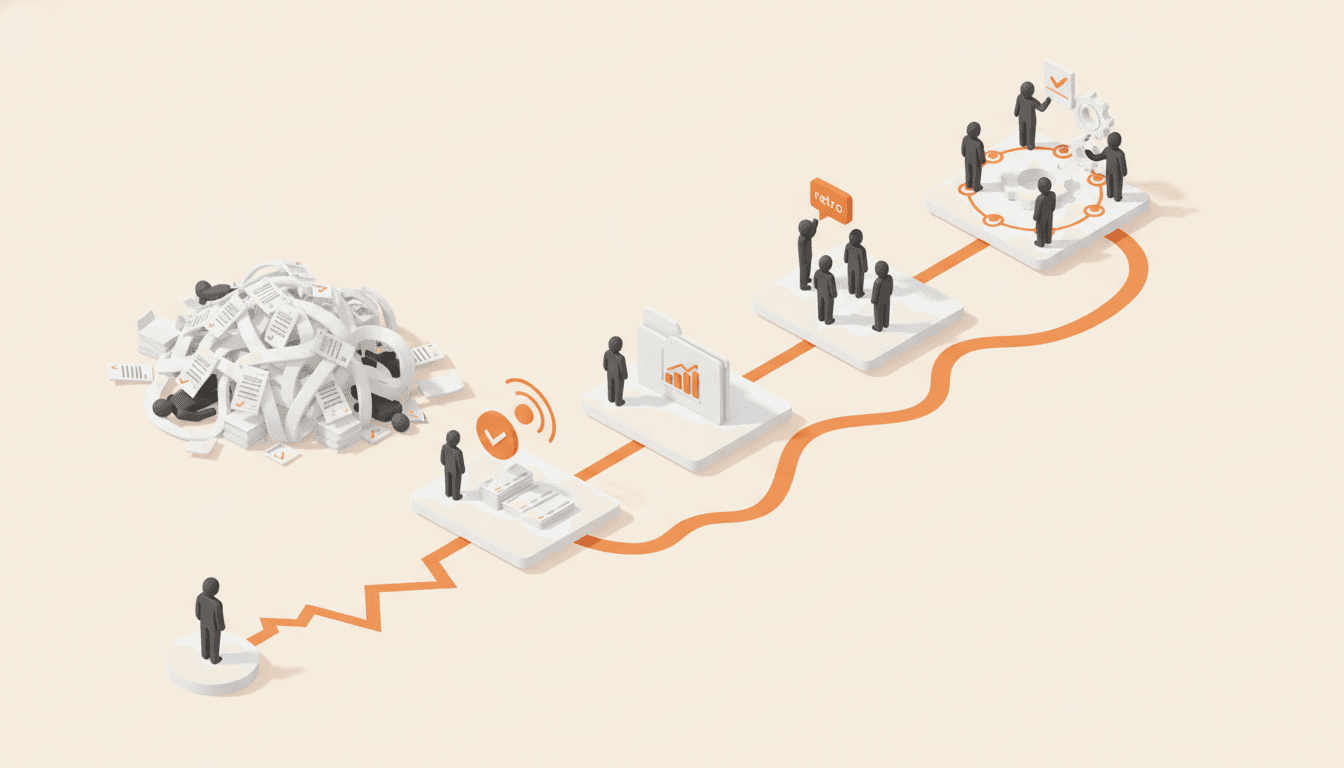
Nonprofits stall when they document everything at once. The wave method takes one department at a time, closes each wave with a retro, and leaves a team that keeps the system alive.
How to Systemize a Staffing Agency: Dispatch, Sales, and Service
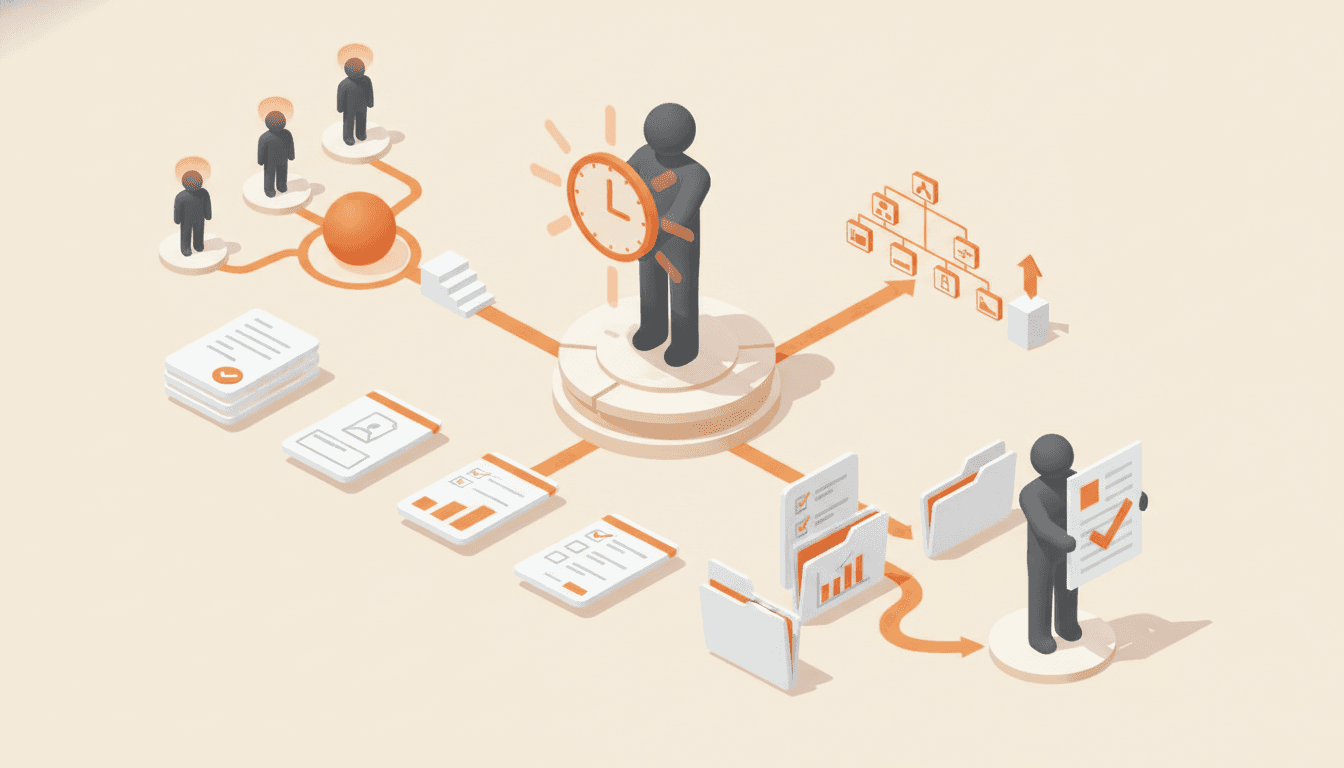
Staffing agencies run on a 4:45am dispatch, an escalated case taxonomy, and knowledge held in one or two heads. Here is the documentation order that protects you fastest.

How to Systemize an HVAC Business: From Group Chats to Real Systems
The truth about every job is scrolling away in 20-plus group chat threads. Here is the order that gets an HVAC or duct cleaning company onto real systems: routing, records, pay, reconciliation, and the software question last.
Which processes should you write down first?
Rank the work that keeps your business running. You get the five to capture first and a 90-day order to capture them and get your team using them.