Is Whale Worth It? An Honest Review for SOPs and Training
By Derek Coffey · August 29, 2026 · Updated August 30, 2026
Is Whale worth it? Yes, for a team that already has content, or a real plan and budget to create it. Whale is a documentation and training platform built for small and mid-size companies: procedures live as cards, cards get assigned to the roles that need them, and the platform reports who has read what and who has not. It is well built, it is priced for a business that is not an enterprise, and it will not write a line of your operation for you.
The subscription is not the risk in this purchase. The empty account is.
The short answer: is Whale worth it?
Whale earns its money when your problem is distribution and accountability, and wastes it when your problem is that nothing is written down yet. If your procedures sit scattered across a shared drive, three chat threads, and one person's memory, it gives you one place to put them, a way to route each one to the seat whose job it describes, and a record of who finished the training.
What it cannot give you is the material. It ships with templates and AI drafting that will happily produce a procedure from a one-line prompt, and what comes out describes what should happen rather than what does. Buy Whale when you know what you are loading into it in the first 60 days, and not a month earlier.
Treat it as very good shelving. Shelving is worth paying for. It also does not care whether a single book ever lands on it.
What Whale actually does
Whale organizes knowledge as cards: one procedure, policy, or explainer per card, grouped into collections by department or process. You assign cards to people or roles, bundle them into onboarding flows, and attach a short test where comprehension matters. Every card carries an owner and a review date, so a procedure nobody has checked in a year says so on its face.
A browser extension captures a click path into a rough draft and lets someone search the documentation without leaving the tool they are stuck in. Content pushes into Slack and Teams, reporting shows completion by person and by role, and the structure maps to seats rather than a folder tree, which is much of why Whale turns up in EOS shops.
The category matters more than the feature list, because most buyers are comparing three kinds of product at once.
| What you need done | Whale | A shared drive | A screen capture tool |
|---|---|---|---|
| Store the procedure | Yes | Yes | Not really |
| Capture the click path | Basic | No | Its whole job |
| Route it to a role | Yes | No | No |
| Prove who completed it | Yes | No | No |
| Flag stale content | Owner plus review date | No | No |
Read the columns, not the rows. The middle column is where most companies live, the right column is what they buy first because it is cheap, and Whale is the layer between them that turns loose files into assigned work. Settle that before you spend anything, because a capture tool and a training platform solve different halves of the same problem.
What Whale does well
The strongest thing about Whale is that it treats a procedure as work to be assigned, not a file to be stored. Everything good follows from that.
- Assignment by role, so content finds people instead of waiting to be found
- Completion tracking that answers "who is trained on this" with a name, not a guess
- Owners and review dates, so content ages visibly instead of quietly
- Reminders that resurface a card on a schedule
- In-context search from the browser, at the moment somebody is stuck
That fourth bullet is the underrated one. An operations manager we interviewed named the failure mode plainly: the biggest friction is the amount of manual work, and that is where it gets forgotten, so the process is not followed. His owner then asked what every buyer here is really asking, which is how do we stop people having to remember. A card that arrives in Slack on the right day is a partial answer, and that beats a folder.
The EOS fit is real too. Seat-based assignment lines up with an accountability chart, and documented core processes are a scored item on the checkup. We compared this family of tools in the best process software for EOS companies, and the honest finding is that the platforms differ less than the rollouts do.
Where Whale falls short
Every limitation below is one thing in different clothes: Whale handles documentation superbly and is indifferent to whether the documentation is any good.
- Empty on day one, and the blank card is where most rollouts stall
- AI drafts produce plausible procedure, not the real one your team runs
- Cards are easy to create and hard to prune, so libraries bloat fast
- Not a checklist runner: it teaches a process, it does not run one instance of it
- Field work and judgment calls need recording and interviews the tool cannot do
The bloat problem is the one nobody plans for. A COO at a 55-person cleaning company called her playbook bloated: three redundant versions of the same process, nobody able to find anything, cognitive overload. She starts one, gets pulled into operations, and never makes them cohesive.
Her first question to us was not how do we write more. It was what do we delete.
A platform that makes documentation easy to create is also a platform that makes three versions of the same process easy to create.
The checklist gap catches people too. Whale will teach a technician how job closeout works and mark him trained, but it will not hand him a fresh dated instance of that checklist for job 4471 and hold it open until he closes it. Two products, two jobs, and buying the wrong one is expensive, which is why the difference between checklist software and training software deserves five minutes.
What does Whale cost?
Whale prices per user per month, with tiers that add training, reporting, and admin controls as you climb, a discount for annual billing, and quote-based pricing for larger teams. There has also been a free tier for very small teams. Pricing here moves every year, so confirm current numbers on Whale's own pricing page first.
Now the number that decides this purchase, which no vendor will quote you.
One company we work with had already been through the full version of this mistake. It paid five figures to have its entire operation documented inside a training platform, and the team never opened it. Two years later the owner brought consultants back with one condition, which is the best buying criterion in this category: he would not do work that does not get used. He calls unused documentation his worst nightmare, and the subscription was never the part that hurt.
Budget in hours, because that is the real currency. Documenting a person's whole role costs about six hours of their time, spread over three to four weeks, plus the production work to turn what they said into something a new hire can follow. Add a cleanup pass on the docs you already have, because some are fiction and nobody knows which yet. Price the content build before you price the seats, because the content is where the money goes.
Whale is a strong fit if
The profile that gets full value out of Whale is specific, and more common than you think.
- You have documentation already and nobody can reliably find it
- Training completion has to be provable, for a client, an auditor, or an insurer
- Roles are defined clearly enough that you can assign work to a seat
- New hires arrive in ones and twos and onboarding is the recurring pain
- One named person owns the account after launch
The shape underneath those bullets is a company past 15 or 20 people, where the owner has quietly become the search engine and answers the same six questions every week. That is when a platform starts paying for itself, and the same moment Trainual starts making sense as a purchase. Both compete for one budget line, and the feature grid does not decide it.
Look elsewhere if
The mismatches are easier to spot than the fits, and much cheaper to catch before the invoice.
- Nothing is documented yet and there is no budget to change that
- The work happens in a truck, a plant, or a customer's home
- What you actually need is a recurring checklist someone runs and closes
- You need one narrow onboarding path, not a company-wide knowledge base
- Nobody will own the account once the person who bought it moves on
Notice how few of those are about a competitor being better. They are mismatches between the job and the category, and the fourth sends plenty of buyers to a simpler product: if the whole pain is getting a new hire productive in week one, an onboarding-first platform like Waybook is the cleaner purchase.
The first bullet is the one to sit with. If nothing is written down, you are buying a place to put work you have not done, and the shopping becomes a way to feel productive without starting. Write three procedures on paper first, then pick a tool from our comparison of Trainual alternatives.
The adoption problem no platform solves
Every buyer in this category eventually says a version of the same sentence: we documented all this years ago, we just need to dust it off. We ask one question back. Is anybody using them? The pause that follows is the whole review.
The question that decides this purchase is not whether your documentation exists, it is whether anybody opened it last month.
This is not a hunch, and the gap has a price. One owner we interviewed took the payables process back himself after a key employee left, and found 500 to 800 dollars leaking every week through skipped audits, missed part deductions, and overpayments. That is 10,000 dollars a month, in his own math, just because the process is not followed. The documentation was not the missing piece, and neither was the software.
What closes the gap is deployment discipline, not software. Content organized by role rather than department, tagged by process, with a named owner on every procedure and completion tracking behind it, so being trained is a fact somebody can look up instead of a feeling. That is the difference between a library and a system, and the work is identical whether you buy Whale, a competitor, or nothing at all.
Launch narrow. One department, one role, the first 80% version built with your best practitioner rather than a committee, then let peers tear it apart and tune it. The people who tune it become the people who defend it. During one nonprofit's documentation wave, team members learned mid-session that colleagues had been running the same process differently for years and nobody had known.
The Systems Effect exists because that content does not write itself: we record the people doing the work and turn what they say into SOPs, process maps, and training a team will follow. The platform is never the part we argue about.
So if Whale looks right, do one thing before the trial runs out. Take the process people interrupt each other about most, get the person who actually does it on a 30-minute recorded call, and build that one card properly. If it gets used next week, you have your answer.
Frequently Asked Questions
Is Whale worth it for a small business?
Yes, if you already have content or a funded plan to create it, and usually once you are past 15 to 20 people. Below that, something lighter will carry you, as long as it still gives you an owner, findable content, and a way to see what has been read, which a shared drive never does. Buy Whale before there is anything to put in it and the platform becomes an expensive place to store good intentions. Test the fit by loading 10 real procedures rather than templates during the trial, because templates flatter every platform equally.
What does Whale cost?
Whale prices per user per month with tiered plans, a discount for annual billing, and quote-based pricing above a certain size, and it has offered a free tier for very small teams. Pricing changes regularly, so confirm the current numbers on the vendor's own pricing page before you budget. More usefully, price the seats against the processes you will actually finish: content creation runs about six hours of practitioner time per role, and that number decides your return.
Is Whale better than Trainual?
Neither is better; they are close cousins solving the same problem from different angles. Whale leans documentation-first, with owners, review dates, and in-context search built to keep a growing library trustworthy. Trainual leans training-first, with a deeper template library and a larger ecosystem around onboarding. Run both trials on the same 10 procedures and pick the one your team logs into without being asked.
Does Whale work for EOS companies?
Yes, and it is one of the better fits in the category, because seat-based assignment maps cleanly onto an accountability chart and documented core processes are a scored item on the checkup. What no platform does is the second half of that requirement, which is that the process is followed by all. Documented and followed are separate projects, and only the first one comes with a login.
How long does it take to fill a Whale account?
Longer than the sales cycle suggests, and the driver is process count, not software. Budget about six hours of a practitioner's time for every role you want documented, spread over three to four weeks, plus production time on top. Launch narrow and one department can be genuinely covered inside the first month, while full deployment across a mid-size operation typically runs 6 to 12 months.
Keep reading
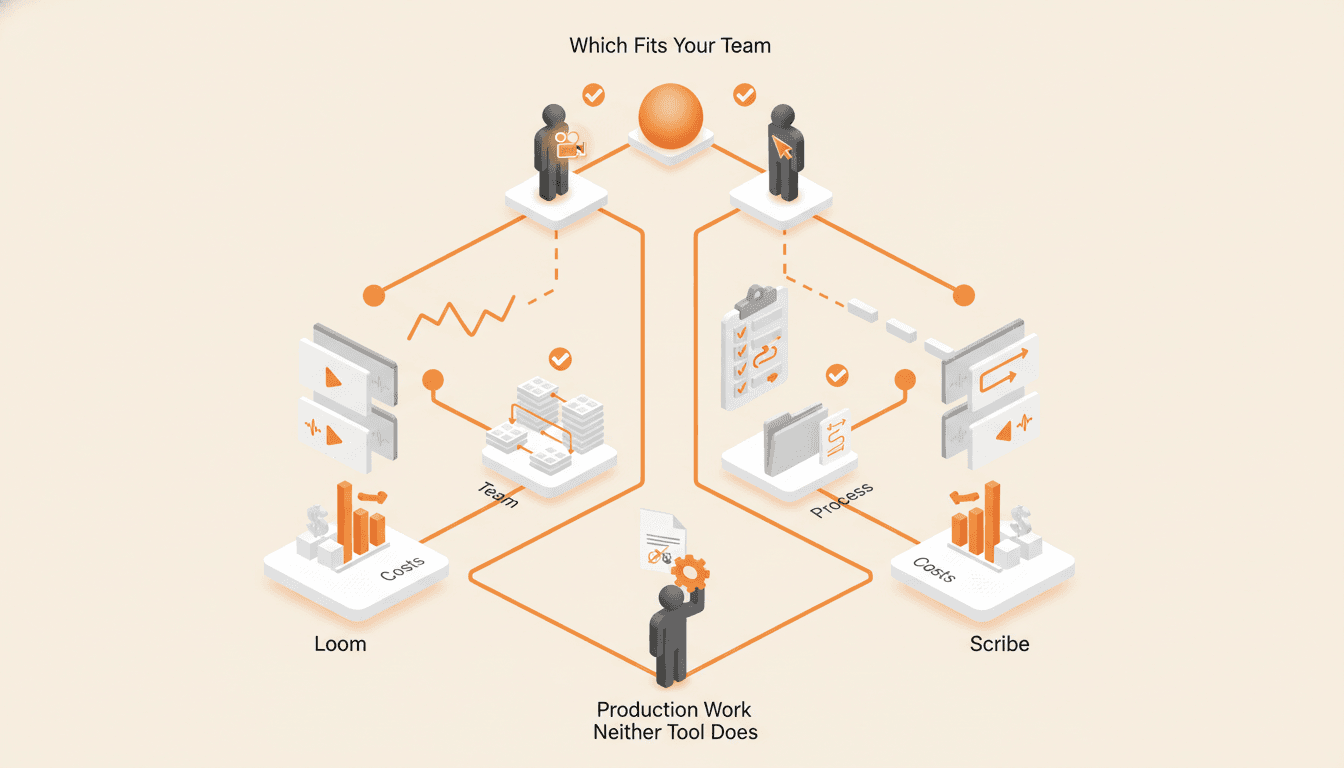
Loom vs Scribe for SOPs: Which Recorder Fits Your Team
Loom records a narrated video and Scribe records your clicks. Here is which one fits which process, what each costs, and the production work neither tool does for you.
Process Street vs Trainual: Checklists or Training?
Process Street runs recurring work and records that it happened, while Trainual teaches the job and reports who learned it. Buying the wrong one is how teams end up paying for both.
Scribe vs Tango: Which Step Capture Tool Fits Your Team
Scribe and Tango both turn one real run of a task into a numbered guide with screenshots. Here is what actually separates them, what each costs, and the work neither one does for you.
Choosing a tool? Plan it with us first.
A working call, not a pitch. We learn how your business runs, show you where a tool will help and where it will not, and plan the next steps with you.